
Key facts
- Manuals
- 1
- Languages
- EN
- Last added
- 2023-10-26
Featured GDX manuals
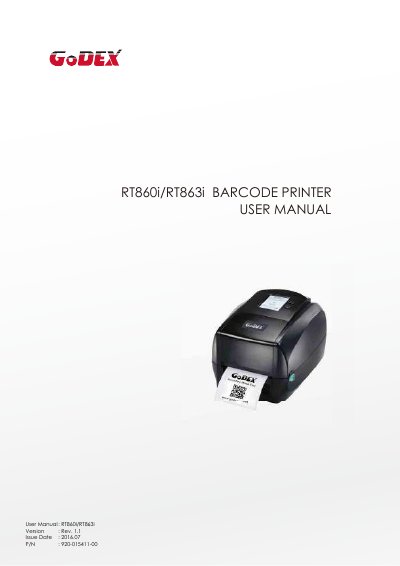
GDX RT860i/RT863i Barcode Printer User Manual
This document is the user manual for the GDX RT860i and RT863i barcode printers. It provides instructions on unboxing, connecting the printer to a host computer via USB, Serial, Parallel, or Ethernet ports, and configuring settings using the LCD interface or NetSetting software.
The guide also covers printer maintenance, including cleaning the print head and troubleshooting common error alerts. Additionally, it details how to install and configure the optional Wi-Fi module for wireless connectivity.
Covers: Box Content · Getting to Know Your Printer · Printer Setup · Printer Setting and Control · Maintenance and Adjustment · Troubleshooting
Latest GDX manuals
GDX RT860i/RT863i Barcode Printer User Manual
User Manual 89 pages · 12.2 MB · ENUser manual for the GDX RT860i and RT863i barcode printers, covering setup, configuration, maintenance, and troubleshooting.
Which document do I need?
User Manual
Day-to-day operation, settings and troubleshooting. Start here if the product is already set up.
Questions answered in GDX manuals
How do I know if the Wi-Fi module is successfully installed?
The printer will restart, and if the Wi-Fi icon turns purple, it means the printer is connected to a Wi-Fi device.
What should I do if I need to open the printer cover?
Pull the cover release catches on both sides of the printer and lift the printer cover.