
Key facts
- Manuals
- 1
- Languages
- EN
- Last added
- 2023-10-26
Featured Archetype Innovations manuals
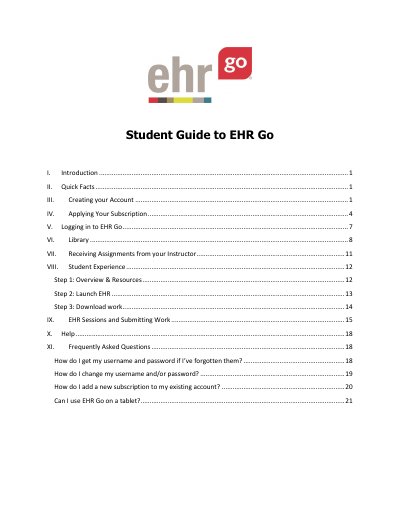
Archetype Innovations EHR Go Student Guide
This guide walks students through account setup, logging in, and navigating the EHR Go platform. It covers creating accounts with a Student Program Key, applying subscriptions, logging in, accessing the library, and submitting work. It also includes FAQs for account recovery, changing credentials, and mobile access.
The guide is designed for educational use, helping students gain EHR proficiency before entering the workforce. It emphasizes safety and error tolerance in practice and provides support via email or phone for technical issues.
Covers: Introduction · Quick Facts · Creating your Account · Applying Your Subscription · Logging in to EHR Go · Library
Latest Archetype Innovations manuals
Archetype Innovations EHR Go Student Guide
User Manual 22 pages · 1.8 MB · ENStep-by-step guide for students to create accounts, log in, and use EHR Go educational EHR system.
Which document do I need?
User Manual
Day-to-day operation, settings and troubleshooting. Start here if the product is already set up.
Questions answered in Archetype Innovations manuals
How do I add a new subscription to my existing account?
Login, select your name, select Apply a Subscription, enter the new activation code from your instructor. (Note: it’s not possible to use the same activation code twice).
Can I use EHR Go on a tablet?
Yes! EHR Go is optimized for mobile devices 7” or larger, including iPad®, Samsung Galaxy Tab®, and Google Nexus 9®. Access is through a browser, not an app.