
Key facts
- Manuals
- 1
- Languages
- EN
- Last added
- 2023-10-26
Featured Dinsan manuals
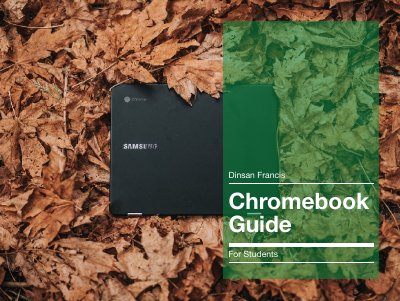
Dinsan Francis Chromebook Student User Guide
This guide is designed for students using the Dinsan Francis Chromebook in a school environment. It explains that Chromebooks run on Chrome OS and are similar to using Google Chrome, with a focus on getting started quickly. The document highlights that the device is simple to set up and manage, requiring only the opening of the lid to switch it on.
Covers: Chrome OS · The Keyboard · Dedicated Browser Keys · Some Touchpad Tricks · Chrome OS Launcher and Apps Menu · Things You Can Do Using The Search Field
Latest Dinsan manuals
Dinsan Francis Chromebook Student User Guide
User Manual 20 pages · 1.7 MB · ENA user guide for the Dinsan Francis Chromebook explaining Chrome OS basics, keyboard shortcuts, touchpad tricks, and offline usage for students.
Which document do I need?
User Manual
Day-to-day operation, settings and troubleshooting. Start here if the product is already set up.
Questions answered in Dinsan manuals
How do you turn on the Chromebook?
To switch on the Chromebook, you just have to open the lid.
What key replaces the Caps Lock key?
Chromebooks have a Search key instead of the Caps Lock key.