
Key facts
- Manuals
- 1
- Languages
- EN
- Last added
- 2023-10-26
Featured Genex Audio Inc manuals
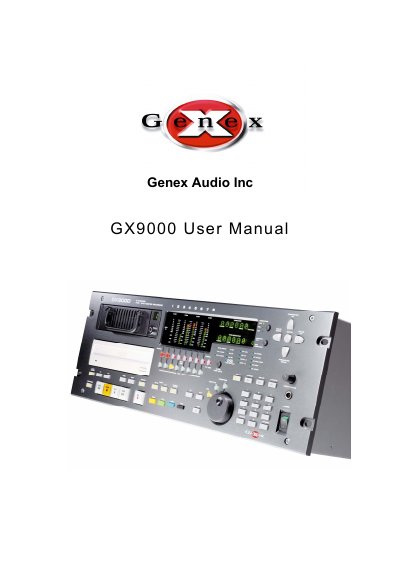
Genex Audio Inc GX9000 User Manual
The Genex Audio Inc GX9000 is a professional audio player and recorder designed for high-quality playback and recording. This user manual details the operation of the front panel displays, including timecode and cue point information, as well as the various transport controls such as Play, Stop, Fast Forward, and Jog modes. It also explains how to configure storage devices and manage projects and files.
Covers: Transport Controls · Front Panel Displays · Menu Operation · Working with Media · Projects and File Handling · Audio Playback
Latest Genex Audio Inc manuals
Genex Audio Inc GX9000 User Manual
User Manual 64 pages · 1.1 MB · ENThis manual provides operating instructions for the Genex Audio Inc GX9000 audio player and recorder, covering transport controls, menu operations, media…
Which document do I need?
User Manual
Day-to-day operation, settings and troubleshooting. Start here if the product is already set up.
Questions answered in Genex Audio Inc manuals
What happens when pressing Play from Fast Forward or Fast Reverse?
Pressing Play from either Fast Reverse or Fast Forward instantly puts the unit into Play.
Can the +10 and -10 buttons be used while recording?
No, the +10 and -10 buttons are disabled when in record mode.