
Key facts
- Manuals
- 1
- Languages
- EN
- Last added
- 2023-10-26
Featured IQ Panel manuals
IQ Panel 4 User Guide
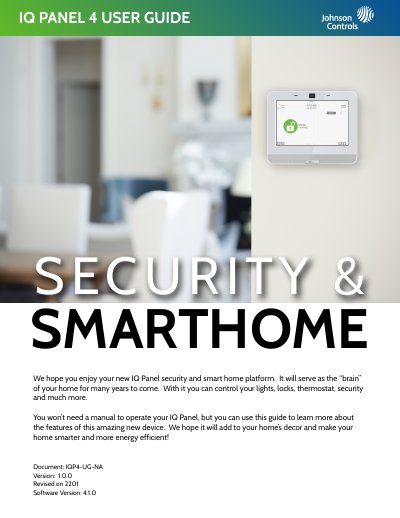
This guide explains how to use the IQ Panel 4 smart home security system. It covers basic navigation, arming and disarming options, emergency panic features, camera functions, and settings. The system allows control of lights, locks, thermostat, and security through touch, swipe, and Bluetooth. It includes features like two-way voice, alarm types, and photo capture during disarming or settings access. The guide also provides tips to avoid false alarms and instructions for Bluetooth pairing and remote disarming via mobile app.
Covers: Using Your System: Basics · Using Your System: Message Center · Using Your System: Emergency Panic · Using Your System: Arming · Using Your System: Disarming · Alarm Events
Latest IQ Panel manuals
IQ Panel 4 User Guide
User Manual 27 pages · 34.7 MB · ENUser guide for the IQ Panel 4 smart home security system, covering system basics, arming, disarming, emergency panic, camera, and settings.
Which document do I need?
User Manual
Day-to-day operation, settings and troubleshooting. Start here if the product is already set up.
Questions answered in IQ Panel manuals
How do I disarm the IQ Panel 4 manually?
To manually disarm your panel, touch the icon in the center of the screen. You will be prompted to enter a valid code.
From: IQ Panel 4 User Guide
Can I disarm the IQ Panel 4 remotely?
Yes, you can remotely disarm your panel by logging into your mobile app and touching the “disarm” icon.
From: IQ Panel 4 User Guide