
Key facts
- Manuals
- 1
- Languages
- EN
- Last added
- 2023-10-26
Featured Recorded Future manuals
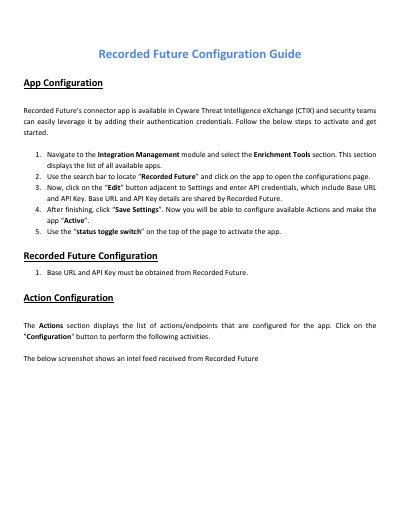
Recorded Future Configuration Guide
This guide explains how to activate and configure Recorded Future’s connector app within CTIX. It covers entering API credentials, setting up collections and risk list types for domain, URL, vulnerability, IP, and hash data feeds. The guide also describes how to use the app with CTIX Threat Visualizer to enhance threat investigation and correlation.
The configuration process involves navigating to the Integration Management module, editing settings with Base URL and API Key, and toggling the app to active status. Each data type (Domain, URL, Vulnerability, IP, Hash) requires configuring Collections and Risk List Types to receive and enrich threat intelligence feeds.
Covers: App Configuration · Action Configuration · Retrieve Domain Feeds Data · Retrieve URL Feeds Data · Retrieve Vulnerability Feeds Data · Retrieve IP Feeds Data
Latest Recorded Future manuals
Recorded Future Configuration Guide
User Manual 9 pages · 500 KB · ENStep-by-step guide to configure Recorded Future’s connector app in CTIX for threat intelligence integration.
Which document do I need?
User Manual
Day-to-day operation, settings and troubleshooting. Start here if the product is already set up.
Questions answered in Recorded Future manuals
What credentials are needed to configure the app?
Base URL and API Key, which must be obtained from Recorded Future.
What is the Recorded Future connector app used for?
It is used to leverage Recorded Future’s threat intelligence in Cyware Threat Intelligence eXchange (CTIX).