
Key facts
- Manuals
- 1
- Languages
- EN
- Last added
- 2023-10-26
Featured Falcon Electric manuals
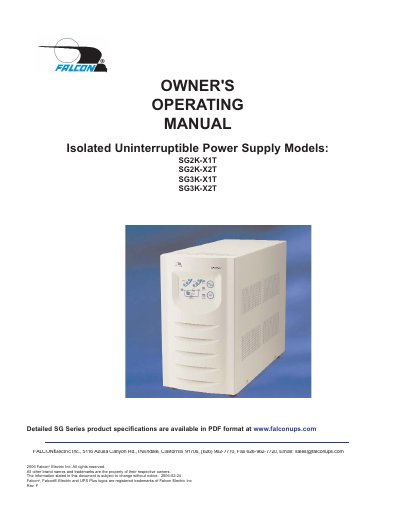
Falcon Electric SG Series Online UPS User Manual
This manual provides detailed instructions for installing, operating, and maintaining Falcon Electric's SG Series Online UPS models, including SG2K-X1T, SG2K-X2T, SG3K-X1T, and SG3K-X2T. It covers safety precautions, dip switch settings, battery management, and communication interfaces. The UPS features true regenerative on-line design, input power factor correction, and microprocessor control for optimal performance. Maintenance guidance includes battery replacement and storage procedures to ensure long-term reliability.
Covers: SG UPS Features · Important Safety Instructions · SG Series UPS Overview · Installation Instructions · Operation · Rear Panel Details
Latest Falcon Electric manuals
Falcon Electric SG Series Online UPS User Manual
User Manual 24 pages · 539 KB · ENUser manual for Falcon Electric's SG Series Online UPS models, covering installation, operation, maintenance, and safety instructions.
Which document do I need?
User Manual
Day-to-day operation, settings and troubleshooting. Start here if the product is already set up.
Questions answered in Falcon Electric manuals
What are the input voltage options for the SG Series UPS?
The input voltage options are 120V, 208V, 220V, and 240V, with factory-configured transformer taps to accommodate these voltages.
How do I set the output voltage on the SG Series UPS?
Set the dip switches located on the UPS rear panel for the nominal UPS output voltage desired. The output voltage can be set to 120V, 208V, 220V, or 240V.