
Key facts
- Manuals
- 2
- Languages
- EN
- Last added
- 2023-10-26
Featured Futuremark manuals
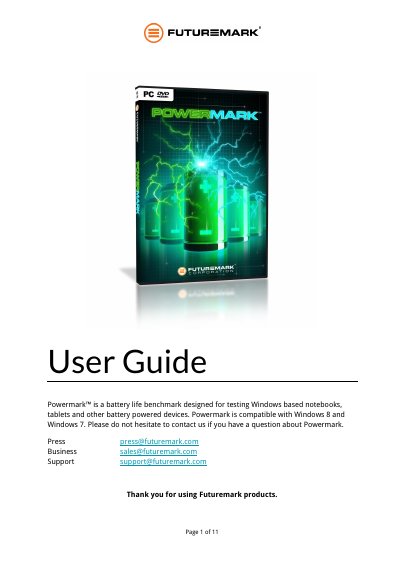
Futuremark Powermark User Guide
Powermark is a battery life benchmark designed for testing Windows-based notebooks, tablets, and other battery-powered devices. It is compatible with Windows 8 and Windows 7 and requires a license key for the Professional Edition to run full tests. The software includes standard tests for balanced, productivity, and entertainment scenarios, as well as a custom tab for defining specific test parameters.
Covers: Licensing and Activation · Using Powermark from the GUI · Custom tab · Results tab · Running from the command line · Best practice testing
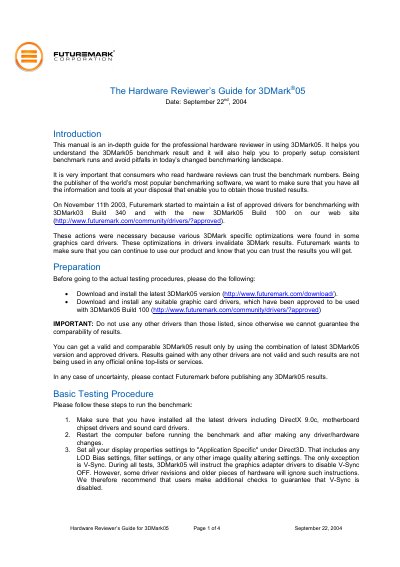
Futuremark 3DMark05 Build 100 Hardware Reviewer's Guide
This manual serves as an in-depth guide for professional hardware reviewers using 3DMark05 Build 100. It explains how to understand benchmark results and provides instructions for setting up consistent benchmark runs to ensure reliability and comparability. The document emphasizes the importance of using approved drivers and the latest software version to maintain trust in benchmark numbers.
Covers: Introduction · Preparation · Basic Testing Procedure · Additional Testing Recommendations · Image Quality Enhancing Features · Publishing Results
Latest Futuremark manuals
Futuremark Powermark User Guide
User Manual 11 pages · 535 KB · ENUser guide for Futuremark Powermark, a battery life benchmark tool for Windows-based notebooks and tablets, covering licensing, GUI usage, and testing…
Futuremark 3DMark05 Build 100 Hardware Reviewer's Guide
User Manual 4 pages · 55 KB · ENA guide for professional hardware reviewers on using 3DMark05 Build 100, ensuring consistent benchmark runs, and avoiding pitfalls in the testing landscape.
Which document do I need?
User Manual
Day-to-day operation, settings and troubleshooting. Start here if the product is already set up.
Questions answered in Futuremark manuals
What is the minimum battery charge required to start the benchmark?
Powermark will not start if the battery charge is less than 85 percent.
How should the screen brightness be calibrated for testing?
The brightness should be calibrated to a value of 110 cd/m2 using a luminance meter.
Which drivers should be used for valid 3DMark05 results?
Only the latest 3DMark05 version and approved graphic card drivers listed on the Futuremark website should be used.
From: Futuremark 3DMark05 Build 100 Hardware Reviewer's Guide
How many times should each test be repeated?
Each test should be repeated at least three times to ensure the effect of anomalous results is minimized.
From: Futuremark 3DMark05 Build 100 Hardware Reviewer's Guide