
Key facts
- Manuals
- 1
- Languages
- EN
- Last added
- 2023-10-21
Featured Kahua manuals
Kahua File Manager User Manual
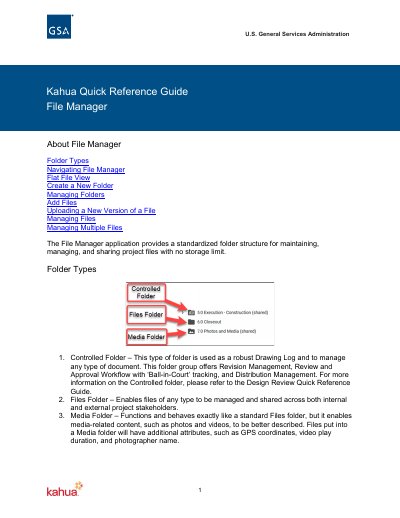
The Kahua File Manager application provides a standardized folder structure for maintaining, managing, and sharing project files with no storage limit. It supports three specific folder types: Controlled Folders for robust document management and workflow, Files Folders for general file sharing, and Media Folders for content like photos and videos with additional attributes such as GPS coordinates.
Covers: Folder Types · Navigating File Manager · Flat File View · Create a New Folder · Managing Folders · Add Files
Latest Kahua manuals
Kahua File Manager User Manual
User Manual 5 pages · 355 KB · ENThis manual explains how to use the Kahua File Manager application to organize, share, and manage project files, folders, and media within the Kahua platform.
Which document do I need?
User Manual
Day-to-day operation, settings and troubleshooting. Start here if the product is already set up.
Questions answered in Kahua manuals
What is the purpose of the File Manager application?
The File Manager application provides a standardized folder structure for maintaining, managing, and sharing project files with no storage limit.
How can a user upload a new version of a file?
Click Add Files, select a file with the exact same name, select New Version, then click OK.