
Key facts
- Manuals
- 1
- Languages
- EN
- Last added
- 2023-10-21
Featured stratafax manuals
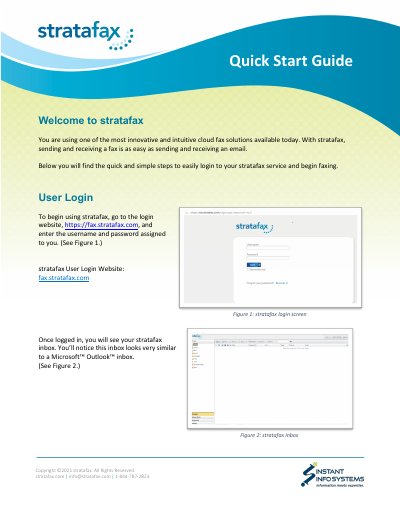
stratafax Cloud Fax Service Quick Start Guide
Quick Start Guide 5 pages · 1.8 MB · EN
This guide walks you through logging into stratafax using your assigned credentials. Once logged in, you’ll see an inbox similar to Microsoft Outlook. Sending faxes is as simple as sending emails — you can send from the web client, desktop, email, or MFPs. Receiving faxes appears in your email or web client with attachments.
Covers: User Login · Navigation · Sending a Fax · Receiving a Fax
Latest stratafax manuals
stratafax Cloud Fax Service Quick Start Guide
Quick Start Guide 5 pages · 1.8 MB · ENLearn how to log in, navigate, and send/receive faxes using stratafax’s cloud-based service.
Which document do I need?
Quick Start Guide
The shortest path to a working setup, usually only a few pages.
Questions answered in stratafax manuals
How do I log in to stratafax?
Go to https://fax.stratafax.com and enter your username and password.
How do I send a fax via email?
Address the email to [email protected] and attach the document.