
Key facts
- Manuals
- 1
- Languages
- EN
- Last added
- 2023-10-21
Featured Micro-Image Capture manuals
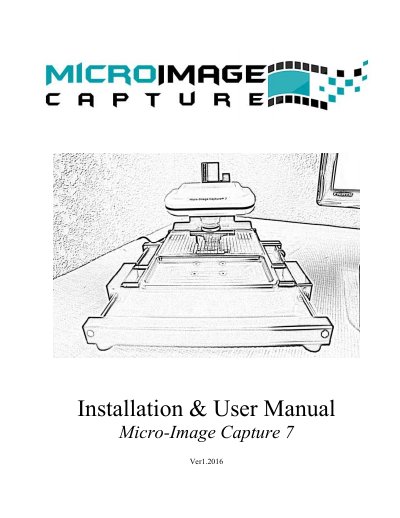
Micro-Image Capture 7 Ver1.2016 Installation and User Manual
This manual provides installation instructions and user guidance for the Micro-Image Capture 7 Ver1.2016 system. It details the hardware specifications, including the USB-powered design and physical dimensions, as well as the required host PC specifications for optimal performance. The document explains how to install the included HID footswitch and Snagit capture software to facilitate hands-free image capturing.
Covers: Product Warranty · Safety Precautions · Specifications · Host PC Requirements · Snagit Capture Software · Footswitch Installation
Latest Micro-Image Capture manuals
Micro-Image Capture 7 Ver1.2016 Installation and User Manual
User Manual 12 pages · 614 KB · ENInstallation and user guide for the Micro-Image Capture 7 Ver1.2016 microfilm scanner, covering hardware setup, software configuration, and operation.
Which document do I need?
User Manual
Day-to-day operation, settings and troubleshooting. Start here if the product is already set up.
Questions answered in Micro-Image Capture manuals
What is the warranty period for the Micro-Image Capture unit?
The unit comes with a one year manufacturers repair or replace warranty.
From: Micro-Image Capture 7 Ver1.2016 Installation and User Manual
Can the device be repaired by the user?
No, users should not attempt to disassemble or repair the device as this will void the warranty.
From: Micro-Image Capture 7 Ver1.2016 Installation and User Manual