
Key facts
- Manuals
- 1
- Languages
- EN
- Last added
- 2026-11-05
Featured ELENCO manuals
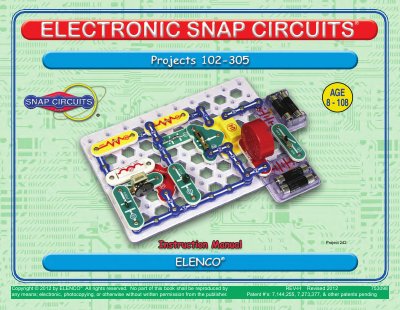
ELENCO Snap Circuits® Project 242 User Manual
This manual provides step-by-step instructions for building electronic circuits using Snap Circuits® components. It includes troubleshooting tips, parts lists, and safety warnings. The kit uses snap-together blocks with color-coded parts and numbered positions to guide assembly. Safety precautions cover battery use, motor operation, and choking hazards. The manual also explains component functions like resistors, capacitors, transistors, and ICs, with references to additional resources.
Covers: Basic Troubleshooting · Parts List · MORE About Your Snap Circuits® Parts · MORE DO’s and DON’Ts of Building Circuits · Advanced Troubleshooting · Project Listings
Latest ELENCO manuals
ELENCO Snap Circuits® Project 242 User Manual
User Manual 76 pages · 5.9 MB · ENUser manual for ELENCO Snap Circuits® Project 242, covering circuit assembly, troubleshooting, parts lists, and safety guidelines.
Which document do I need?
User Manual
Day-to-day operation, settings and troubleshooting. Start here if the product is already set up.
Questions answered in ELENCO manuals
What should I do if my circuit isn’t working?
Most circuit problems are due to incorrect assembly. Always double-check that your circuit exactly matches the drawing for it.
How do I install the batteries?
Install two (2) “AA” batteries (not included) in the battery holder (B1).