
Key facts
- Manuals
- 1
- Languages
- EN
- Last added
- 2023-10-21
Featured ClassNK manuals
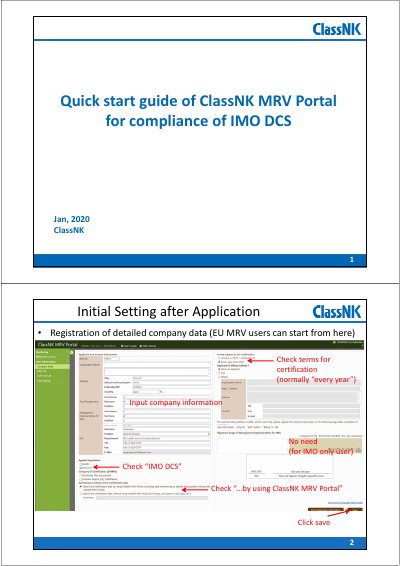
ClassNK MRV Portal for compliance of IMO DCS Quick Start Guide
This guide walks users through initial setup, ship data registration, and on-board reporting for IMO DCS compliance. It covers configuration of monitoring templates, data input, and email submission of reports.
The portal supports both EU MRV and IMO DCS regulations, with features like automatic template generation, ZIP file packaging, and integration with existing Ablog systems to streamline data submission.
Covers: Initial Setting after Application ClassNIX · Registration of ships data and applied regulation · Data monitoring overview · Preparation of Monitoring template · On-board reporting · Data linkage with existing Ablog systems
Latest ClassNK manuals
ClassNK MRV Portal for compliance of IMO DCS Quick Start Guide
Quick Start Guide 12 pages · 1.3 MB · ENQuick start guide for ClassNK MRV Portal to help users comply with IMO DCS regulations.
Which document do I need?
Quick Start Guide
The shortest path to a working setup, usually only a few pages.
Questions answered in ClassNK manuals
What is the process for on-board reporting?
Download a ZIP file, unzip it on the on-board PC, configure the files, input voyage data, validate, and create a ZIP file for email submission.
From: ClassNK MRV Portal for compliance of IMO DCS Quick Start Guide
Can I integrate the portal with existing Ablog systems?
Yes, linkage with Ablog systems allows data submission without using the NK Excel template, avoiding duplicated work and ensuring secure data sharing.
From: ClassNK MRV Portal for compliance of IMO DCS Quick Start Guide