
Key facts
- Manuals
- 1
- Languages
- EN
- Last added
- 2023-10-21
Featured A24 manuals
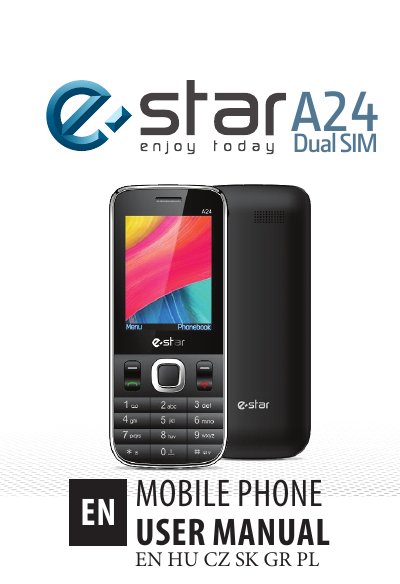
A24 Dual SIM Mobile Phone User Manual
This manual provides step-by-step instructions for setting up the A24 dual SIM phone, including inserting SIM cards and batteries, charging, and using basic functions like calling and messaging. It also includes safety warnings about RF exposure, medical device interference, and proper handling. The guide covers phone navigation, contact management, SMS features, and call options during active calls.
The manual is designed for users to operate the device safely and effectively, with clear explanations for features like dual SIM functionality, T-Flash memory card support, and emergency call dialing. It also advises users to follow network operator settings and avoid using the phone near medical devices or in extreme temperatures.
Covers: General Information · Safety Warnings · Radio Frequency Exposure · Phone Overview · Getting Started · Basic Operations
Latest A24 manuals
A24 Dual SIM Mobile Phone User Manual
User Manual 108 pages · 2 MB · ENUser guide for the A24 dual SIM mobile phone covering setup, safety, calling, messaging, and device management.
Which document do I need?
User Manual
Day-to-day operation, settings and troubleshooting. Start here if the product is already set up.
Questions answered in A24 manuals
How do I insert SIM cards and battery?
Remove the back cover, insert the SIM cards and battery, then attach the battery cover until it clicks into place.
How do I make a call?
Input the phone number and press the Master/Slave SIM key to make a call. You can also select a number from Contacts.