
Key facts
- Manuals
- 1
- Languages
- EN
- Last added
- 2026-11-05
Featured NAVIGATION/MULTIMEDIA manuals
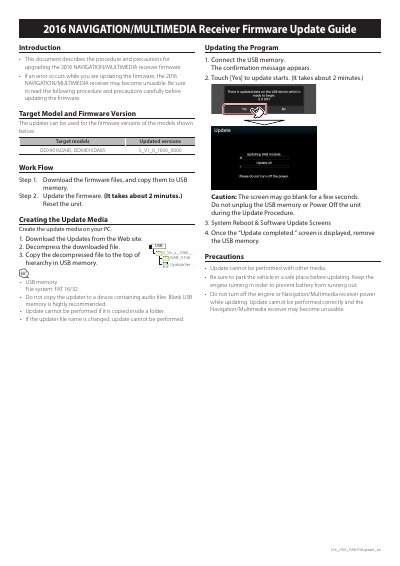
NAVIGATION/MULTIMEDIA DDX9016DABS DDX8016DABS Receiver Firmware Update Guide
This guide explains how to update the firmware for the 2016 NAVIGATION/MULTIMEDIA receiver. It includes steps for downloading firmware, preparing USB media, and performing the update. Precautions are provided to avoid failure, such as keeping the engine running and not unplugging the USB or turning off the unit during the process.
The update requires specific firmware versions and USB memory formatted as FAT 16/32 with files placed at the root level. The process takes about 2 minutes and requires confirmation before starting. After completion, the unit reboots and the USB can be removed.
Covers: Introduction · Target Model and Firmware Version · Work Flow · Creating the Update Media · Updating the Program · Precautions
Latest NAVIGATION/MULTIMEDIA manuals
NAVIGATION/MULTIMEDIA DDX9016DABS DDX8016DABS Receiver Firmware Update Guide
User Manual 1 pages · 140 KB · ENGuide for updating firmware on 2016 NAVIGATION/MULTIMEDIA receiver models DDX9016DABS and DDX8016DABS.
Which document do I need?
User Manual
Day-to-day operation, settings and troubleshooting. Start here if the product is already set up.
Questions answered in NAVIGATION/MULTIMEDIA manuals
What models are supported by this firmware update?
The updater supports DDX9016DABS and DDX8016DABS models with firmware version S_V1_0_1060_0000.
From: NAVIGATION/MULTIMEDIA DDX9016DABS DDX8016DABS Receiver Firmware Update Guide
How long does the firmware update take?
The update takes about 2 minutes.
From: NAVIGATION/MULTIMEDIA DDX9016DABS DDX8016DABS Receiver Firmware Update Guide