
Key facts
- Manuals
- 1
- Languages
- EN
- Last added
- 2023-10-20
Featured Websoft9 manuals
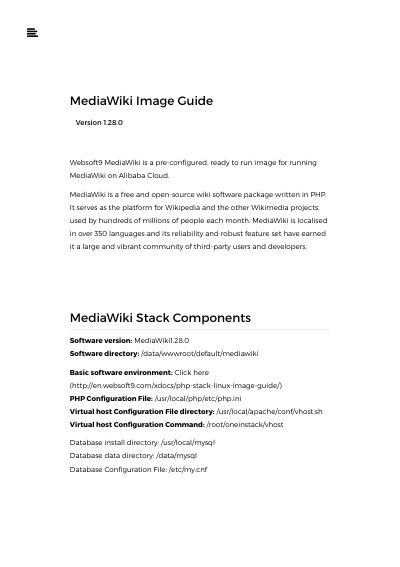
Websoft9 MediaWiki 1.28.0 Image Installation Guide
This document provides instructions for deploying the Websoft9 MediaWiki 1.28.0 image, a pre-configured solution for running MediaWiki on Alibaba Cloud. It covers the initial verification steps, including checking the database password and ensuring port 80 is open in the Security Group settings. The guide details the installation process via the browser-based wizard, which involves creating a database, adding a virtual host, and configuring site settings such as the administrator account and email.
Covers: Verify Image Database Password · Create a database · Add a virtual host · Install MediaWiki · Installing an extension · Enable file uploads
Latest Websoft9 manuals
Websoft9 MediaWiki 1.28.0 Image Installation Guide
User Manual 22 pages · 600 KB · ENThis guide explains how to install and configure the Websoft9 MediaWiki 1.28.0 image on Alibaba Cloud, including database setup, virtual host creation, and…
Which document do I need?
User Manual
Day-to-day operation, settings and troubleshooting. Start here if the product is already set up.
Questions answered in Websoft9 manuals
What is the default database password for the MediaWiki image?
The default user/password for MySQL is root/123456.
Where are MediaWiki extensions stored?
Extensions can be found in the directory /data/wwwroot/default/mediawiki/extensions.