
Key facts
- Manuals
- 1
- Languages
- EN
- Last added
- 2023-10-20
Featured PSB Speakers manuals
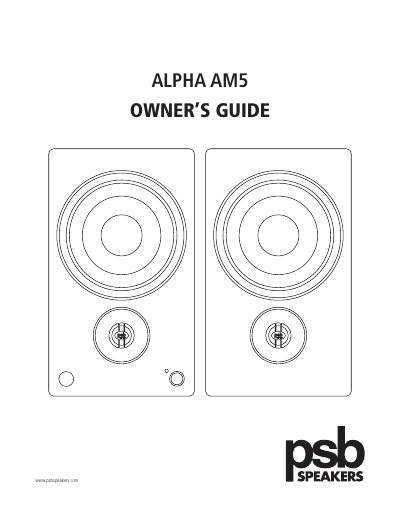
PSB Speakers Alpha AM5 Owner’s Guide
This guide provides setup instructions for the PSB Speakers Alpha AM5, a self-powered speaker with built-in amplifier. It covers connecting inputs (aux, phono, optical, USB), using the remote control, adjusting brightness, and safety precautions. The speaker supports Bluetooth and includes a subwoofer output for enhanced bass. Safety guidelines include avoiding moisture, heat sources, and blocking ventilation.
The Alpha AM5 is designed for small to medium rooms and delivers true-to-nature sound quality. It features a status light that indicates source, mode, and volume, and can be controlled via remote or front panel buttons. Environmental protection notes advise proper disposal of the product at end of life.
Covers: Important Safety Instructions · Unpacking · Connecting Inputs · Remote Control · Status Light · Subwoofer Output
Latest PSB Speakers manuals
PSB Speakers Alpha AM5 Owner’s Guide
User Manual 11 pages · 226 KB · ENOwner’s guide for PSB Speakers Alpha AM5 powered speakers, covering setup, inputs, remote control, and safety instructions.
Which document do I need?
User Manual
Day-to-day operation, settings and troubleshooting. Start here if the product is already set up.
Questions answered in PSB Speakers manuals
Can I connect the Alpha AM5 to a stereo receiver?
No, do not connect the supplied cable to the speaker outputs of a stereo receiver. The Alpha AM5 is self-powered.
How do I change the brightness of the status light?
Hold the SUB button on the remote control for 5 seconds to cycle through High, Low, and Off brightness levels.