
Key facts
- Manuals
- 1
- Languages
- EN
- Last added
- 2023-10-20
Featured ecom-ex manuals
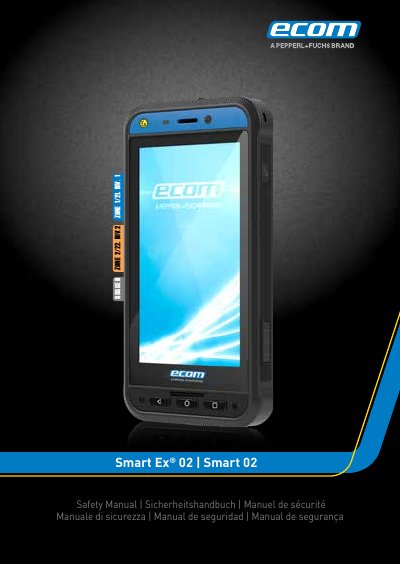
ecom-ex Smart-Ex 02 DZ1 and 02 DZ2 Intrinsically Safe Smartphone Safety Manual
This safety manual covers operating instructions, safety precautions, battery handling, and maintenance for the Smart-Ex 02 DZ1, Smart-Ex 02 DZ2, and Smart 02 smartphones. It includes steps for inserting SIM cards and batteries, charging procedures, disposal guidelines, and repair instructions. The devices are designed for use in hazardous environments and require strict adherence to safety protocols to prevent explosion risks.
The manual also details warranty terms, compliance with EU regulations, and disposal procedures for batteries and electronic waste, emphasizing that only authorized repairs and proper disposal methods should be used.
Covers: Application · Safety Precautions · Accessories · Inserting the SIM card and the battery pack · Charging the Smartphone · Safety precautions for battery packs
Latest ecom-ex manuals
ecom-ex Smart-Ex 02 DZ1 and 02 DZ2 Intrinsically Safe Smartphone Safety Manual
User Manual 48 pages · 403 KB · ENSafety manual for intrinsically safe smartphones for industrial use in explosive zones.
Which document do I need?
User Manual
Day-to-day operation, settings and troubleshooting. Start here if the product is already set up.
Questions answered in ecom-ex manuals
How often should I inspect the phone for functionality?
It is recommended to have the functionality and accuracy of the phone inspected by the manufacturer every two years.
From: ecom-ex Smart-Ex 02 DZ1 and 02 DZ2 Intrinsically Safe Smartphone Safety Manual
What should I do if the battery is completely discharged?
Connect the phone to the charger. After charging for a few minutes, the display will appear and you can switch on the phone.
From: ecom-ex Smart-Ex 02 DZ1 and 02 DZ2 Intrinsically Safe Smartphone Safety Manual