
Key facts
- Manuals
- 1
- Languages
- EN
- Last added
- 2023-10-20
Featured Ximple manuals
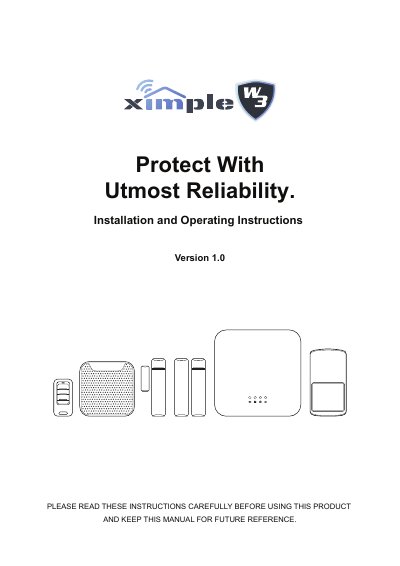
Ximple W3 Smart Home Security System Installation Manual
This manual guides you through installing and operating the Ximple W3 wireless security system. It covers pairing sensors, setting up the app, and troubleshooting common issues. The system includes a Main Control Unit, door/window sensors, motion sensors, sirens, and a remote keychain, all communicating via 2-way encrypted radio. The app allows remote monitoring and control from anywhere with internet access. Safety warnings and component specifications are included for proper use.
Covers: Important Safety Notice · Kit Content · Introduction · Getting Started · Pairing the Door Sensor · Pairing the Window Sensor
Latest Ximple manuals
Ximple W3 Smart Home Security System Installation Manual
User Manual 30 pages · 570 KB · ENInstallation and operating instructions for the Ximple W3 wireless security system with app control and 100-device support.
Which document do I need?
User Manual
Day-to-day operation, settings and troubleshooting. Start here if the product is already set up.
Questions answered in Ximple manuals
How do I pair the Door Sensor?
Remove the bottom casing and insert the battery. The sensor will appear in the app's 'Devices' section after pairing.
From: Ximple W3 Smart Home Security System Installation Manual
How do I reset the Main Control Unit?
Use a test pen to press and hold the black Reset button for 10 seconds to auto-reboot.
From: Ximple W3 Smart Home Security System Installation Manual