
Key facts
- Manuals
- 1
- Languages
- EN
- Last added
- 2023-10-20
Featured FeelThere manuals
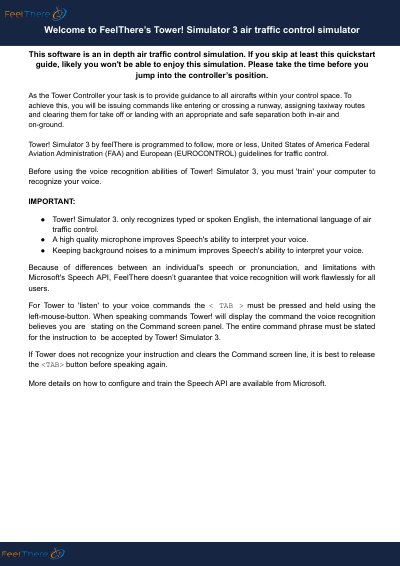
FeelThere Tower! Simulator 3 Air Traffic Control Simulator User Manual
This is a detailed air traffic control simulation software by FeelThere. Users must train the voice recognition system before use and issue commands via spoken or typed English. The software simulates tower and ground controller roles with rules for aircraft separation, taxi routing, and runway control. It includes fantasy airlines and supports multiplayer modes.
Commands are issued using specific syntax, such as 'LATITUDE 1234, RUNWAY 10' or 'CLEARED FOR TAKEOFF'. Aircraft are categorized by size and type, and separation rules vary by phase of flight and weight class. Voice commands require holding the <TAB> key while speaking, and full phrases must be recognized for execution.
Covers: Voice Recognition Setup · Aircraft Callsigns and ICAO Codes · Tower Controller Responsibilities · Ground Controller Responsibilities · Runway and Taxiway Control · Aircraft Separation Rules
Latest FeelThere manuals
FeelThere Tower! Simulator 3 Air Traffic Control Simulator User Manual
User Manual 8 pages · 172 KB · ENUser manual for FeelThere’s Tower! Simulator 3, an air traffic control simulation following FAA and EUROCONTROL guidelines with voice command support.
Which document do I need?
User Manual
Day-to-day operation, settings and troubleshooting. Start here if the product is already set up.
Questions answered in FeelThere manuals
How do I activate voice commands?
Hold the <TAB> key with the left mouse button while speaking.
From: FeelThere Tower! Simulator 3 Air Traffic Control Simulator User Manual
What languages does the voice recognition support?
Only English, the international language of air traffic control.
From: FeelThere Tower! Simulator 3 Air Traffic Control Simulator User Manual