
Key facts
- Manuals
- 1
- Languages
- EN
- Last added
- 2023-10-20
Featured T5900 manuals
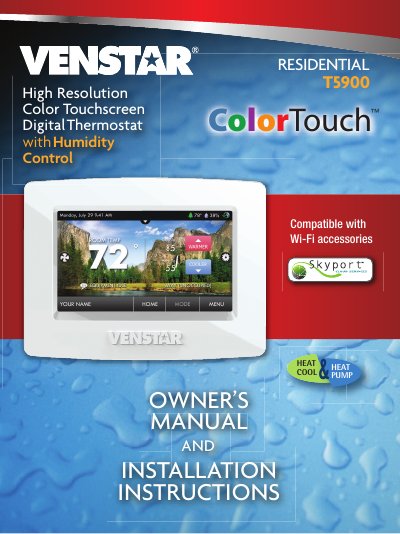
T5900 Color Touchscreen Digital Thermostat User Manual
This manual provides step-by-step instructions for installing, configuring, and using the T5900 ColorTouch™ thermostat. It covers features like scheduling, smart fan control, humidity settings, and vacation modes. The guide also includes troubleshooting tips and warranty information.
The thermostat supports Wi-Fi connectivity and can be managed via the ColorTouch Assistant software. It includes detailed wiring diagrams and settings for heat pump and dual fuel systems. Firmware updates may alter functionality beyond what’s described in this manual.
Covers: Get To Know Your Thermostat · Quick Start · Main Menu Buttons · Schedule · Smart Fan · Screensaver
Latest T5900 manuals
T5900 Color Touchscreen Digital Thermostat User Manual
User Manual 71 pages · 8.2 MB · ENUser guide for the T5900 color touchscreen digital thermostat with humidity control, covering setup, scheduling, and troubleshooting.
Which document do I need?
User Manual
Day-to-day operation, settings and troubleshooting. Start here if the product is already set up.
Questions answered in T5900 manuals
What cleaning method is safe for the thermostat screen?
Clean the screen using a soft, damp cloth, but do not spray anything directly onto the device.
From: T5900 Color Touchscreen Digital Thermostat User Manual
What happens to the humidity icon during active humidification?
The humidity icon changes color from blue to red when the humidification call is active.
From: T5900 Color Touchscreen Digital Thermostat User Manual