
Key facts
- Manuals
- 1
- Languages
- ZH
- Last added
- 2023-10-20
Featured 达钱 manuals
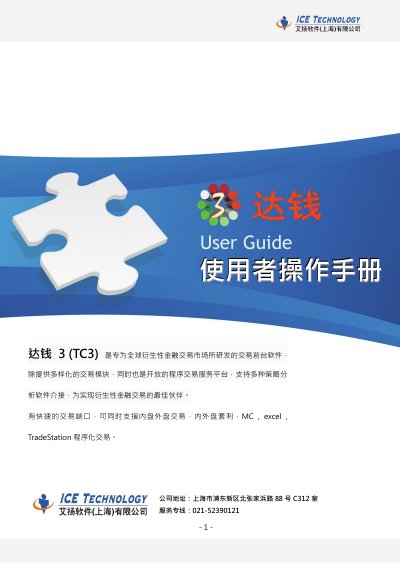
Dachian TC3 Trading Frontend Software User Manual
This manual covers downloading, installing, and using the Dachian TC3 trading software. It includes login procedures, order placement, market data viewing, account setup, and program trading integration with platforms like MC, Excel, and TradeStation. The guide also addresses system requirements and compatibility for Windows users.
The software supports both internal and external market trading, arbitrage, and real-time data feeds. Users can configure trading accounts, set up historical data retrieval, and connect to automated trading systems via plugins. This manual is written in Chinese.
Covers: Download and Installation · Login and Interface · Order Placement · Market Data · Account Settings · Program Trading
Latest 达钱 manuals
Dachian TC3 Trading Frontend Software User Manual
User Manual 36 pages · 7.3 MB · ZHUser guide for Dachian TC3, a trading frontend software for derivatives markets with program trading support.
Which document do I need?
User Manual
Day-to-day operation, settings and troubleshooting. Start here if the product is already set up.
Questions answered in 达钱 manuals
What is the Dachian TC3 software designed for?
The software is developed specifically for the global derivatives financial trading market to serve as a trading frontend.
What operating systems require specific user control settings for normal use?
Users of VISTA or WIN7 must change the User Account Control settings to 'Never notify' and restart the computer.