
Key facts
- Manuals
- 1
- Languages
- EN
- Last added
- 2023-10-20
Featured Brown Line Metalworks manuals
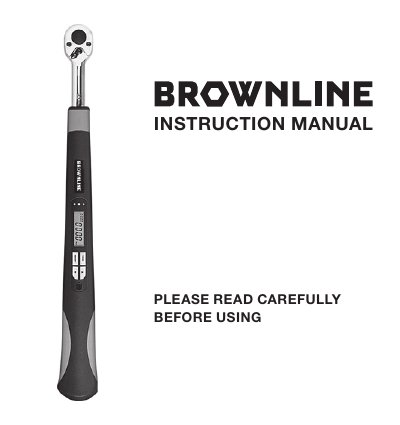
Brown Line Metalworks Digital Torque Wrench User Manual
This manual provides instructions for operating the Digital Torque Wrench, including setting target torque, using peak and track modes, and interpreting LED and buzzer indicators. It also covers battery replacement, calibration, and warranty information. The wrench displays applied torque in real time and includes safety features like auto shut-off and torque limit alerts.
Covers: Power On/Off · Operation: Peak Mode · Operation: Track Mode · LCD Display · Buzzer · Changing Torque Units
Latest Brown Line Metalworks manuals
Brown Line Metalworks Digital Torque Wrench User Manual
User Manual 16 pages · 182 KB · ENUser manual for Brown Line Metalworks Digital Torque Wrench covering operation, torque settings, battery replacement, and warranty details.
Which document do I need?
User Manual
Day-to-day operation, settings and troubleshooting. Start here if the product is already set up.
Questions answered in Brown Line Metalworks manuals
What is the maximum target torque setting?
The maximum Target Torque setting is 150 ft/lbs (1,800 in/lbs, 230 Nm).
From: Brown Line Metalworks Digital Torque Wrench User Manual
What happens if the wrench is not used for 3 minutes?
The wrench will automatically turn off to preserve battery power.
From: Brown Line Metalworks Digital Torque Wrench User Manual