
Key facts
- Manuals
- 1
- Languages
- EN
- Last added
- 2023-10-20
Featured Guernsey Electricity manuals
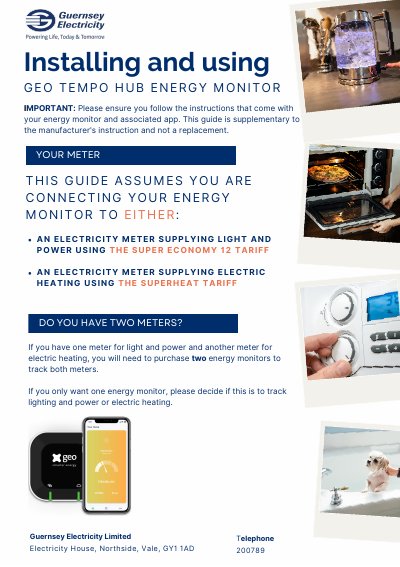
Guernsey Electricity Tempo Hub Energy Monitor User Guide
This guide provides instructions for installing the GEO Tempo energy monitor on Guernsey Electricity black or white LED meters. It explains that the device is compatible only with meters featuring an electronic display similar to those shown in the manual. Users are advised that this guide is supplementary to the manufacturer's instructions and assumes connection to either a lighting/power meter or an electric heating meter.
Covers: Fitting the sensor to the meter · Super Economy 12 tariff setup · Electric heating tariff setup · Enter prices and timebands · Enter a monthly budget · Getting the most out of your energy monitor
Latest Guernsey Electricity manuals
Guernsey Electricity Tempo Hub Energy Monitor User Guide
User Manual 14 pages · 3.6 MB · ENUser guide for the Tempo Hub energy monitor, detailing installation on Guernsey Electricity LED meters and setup for Super Economy 12 and Superheat tariffs.
Which document do I need?
User Manual
Day-to-day operation, settings and troubleshooting. Start here if the product is already set up.
Questions answered in Guernsey Electricity manuals
Which electricity meters are compatible with the GEO Tempo energy monitor?
The monitor is only suitable for use with Guernsey Electricity black or white LED meters that have an electronic display similar to the images provided.
From: Guernsey Electricity Tempo Hub Energy Monitor User Guide
How many time bands can be entered into the energy monitor app?
The app can only monitor two time bands, which may result in the calculated costs being slightly higher than the actual bill.
From: Guernsey Electricity Tempo Hub Energy Monitor User Guide