
Key facts
- Manuals
- 1
- Languages
- EN
- Last added
- 2023-10-20
Featured Washtenaw Community College manuals
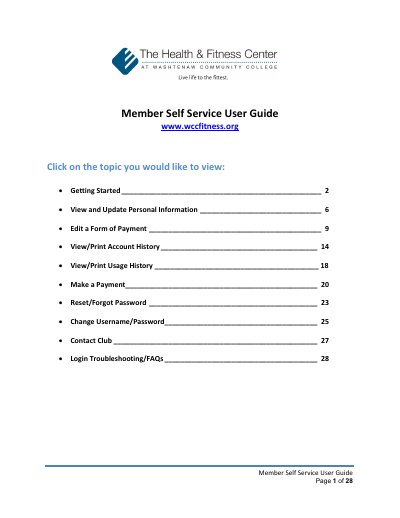
Washtenaw Community College Member Self Service User Guide
This guide explains how to log in, update personal information, manage payment methods, view account and usage history, make payments, reset passwords, and contact the fitness center. It includes step-by-step instructions for navigating the Member Self Service portal and troubleshooting login issues.
The portal is accessible via www.wccfitness.org, and users must enter their Member ID as their username and password on first login. Passwords must be 8–32 alphanumeric characters with at least one uppercase letter or number. Users can change their username or password through the My Account section.
Covers: Getting Started · View and Update Personal Information · Edit a Form of Payment · View/Print Account History · View/Print Usage History · Make a Payment
Latest Washtenaw Community College manuals
Washtenaw Community College Member Self Service User Guide
User Manual 28 pages · 2.4 MB · ENUser guide for accessing and managing member accounts on the Washtenaw Community College fitness center's self-service portal.
Which document do I need?
User Manual
Day-to-day operation, settings and troubleshooting. Start here if the product is already set up.
Questions answered in Washtenaw Community College manuals
What should I do if I forgot my password?
Refer to the Reset/Forgot Password section of the MSS User Guide.
From: Washtenaw Community College Member Self Service User Guide
What should I do if I forgot my username?
Call The Health & Fitness Center at Washtenaw Community College at (734) 975-9950.
From: Washtenaw Community College Member Self Service User Guide