
Key facts
- Manuals
- 1
- Languages
- EN
- Last added
- 2023-10-19
Featured Microscan Systems manuals
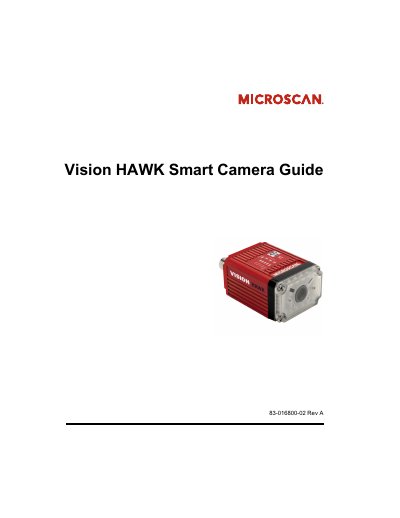
Microscan Systems Vision HAWK Smart Camera User Guide
The Microscan Systems Vision HAWK Smart Camera is a compact industrial smart camera designed for machine vision applications requiring IP65/67 enclosures and rugged M12 connectivity. It features a patented liquid lens autofocus system and integrated lighting, allowing for real-time dynamic focusing and object inspection from 33 mm to 2 m and beyond. The device supports both CCD and CMOS sensors with resolutions up to SXGA and includes an intuitive AutoVISION button for automatic targeting and calibration.
Covers: Introduction · System Components · Mounting and Wiring · Power Requirements · Status Indicators · AutoVISION Software
Latest Microscan Systems manuals
Microscan Systems Vision HAWK Smart Camera User Guide
User Manual 52 pages · 1.6 MB · ENThis user guide covers the installation, wiring, operation, and AutoVISION software setup for the Microscan Systems Vision HAWK Smart Camera.
Which document do I need?
User Manual
Day-to-day operation, settings and troubleshooting. Start here if the product is already set up.
Questions answered in Microscan Systems manuals
What is the focal range of the Vision HAWK Smart Camera?
The camera supports a focal range from 1 inch (33 mm) to infinity using liquid lens autofocus.
How does the AutoVISION button function?
Pressing the AutoVISION button enables real-time dynamic autofocus, automatically adjusting focal distance and setting internal parameters to optimize image capture.