
Key facts
- Manuals
- 1
- Languages
- EN
- Last added
- 2023-10-18
Featured FLO-Grow manuals
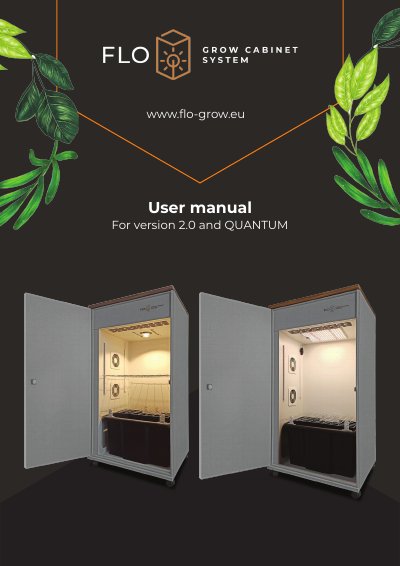
FLO-Grow version 2.0 and QUANTUM Indoor Grow Cabinet User Manual
This manual provides instructions for the assembly, installation, and initial setup of the FLO-Grow version 2.0 and QUANTUM indoor grow cabinets. It details the unboxing process, proper placement requirements regarding ventilation and distance from walls, and the correct method for mounting the wheels and securing the unit.
Covers: Assembly · Placement · Watering · Driver Pairing · Schedule Configuration · App Settings
Latest FLO-Grow manuals
FLO-Grow version 2.0 and QUANTUM Indoor Grow Cabinet User Manual
User Manual 8 pages · 1.6 MB · ENUser manual for the FLO-Grow version 2.0 and QUANTUM indoor grow cabinet, covering assembly, placement, and eWeLink app configuration.
Which document do I need?
User Manual
Day-to-day operation, settings and troubleshooting. Start here if the product is already set up.
Questions answered in FLO-Grow manuals
How do I pair the FLO-Grow with my Wi-Fi network?
Open the Wi-fi driver cover, press the pairing button for 7 seconds until the blue LED flashes, then use the eWeLink app to search and connect.
From: FLO-Grow version 2.0 and QUANTUM Indoor Grow Cabinet User Manual
What is the recommended watering amount?
You should water with a maximum of 6 liters of water at once.
From: FLO-Grow version 2.0 and QUANTUM Indoor Grow Cabinet User Manual