
Key facts
- Manuals
- 1
- Languages
- EN
- Last added
- 2023-10-18
Featured CleanGrow manuals
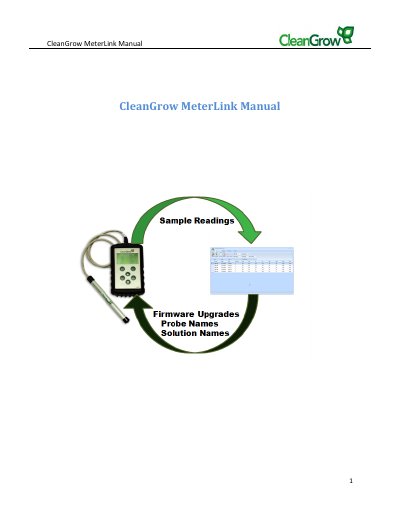
CleanGrow MeterLink User Manual
This manual explains how to install and use the CleanGrow MeterLink software. It covers registering probes and calibration solutions, downloading and sending data to meters, filtering and exporting readings, and upgrading meter firmware. The software connects to meters via USB and syncs data from the CleanGrow online account.
The manual includes step-by-step instructions for setting up an account, managing probe and solution lists, sending data to meters, and handling firmware updates. It also provides guidance on troubleshooting and contacting support.
Covers: Installation · MeterLink Functionality · Registration · Probes Tab · Solutions Tab · Readings Tab
Latest CleanGrow manuals
CleanGrow MeterLink User Manual
User Manual 17 pages · 808 KB · ENUser guide for CleanGrow MeterLink software to register probes, manage calibration solutions, and upgrade meter firmware.
Which document do I need?
User Manual
Day-to-day operation, settings and troubleshooting. Start here if the product is already set up.
Questions answered in CleanGrow manuals
What is the maximum number of probes that can be sent to the meter at once?
You can send a maximum of 10 probes to the meter.
What is the maximum number of calibration solutions that can be sent to the meter?
You can send a maximum of 6 calibration solutions to the meter.