
Key facts
- Manuals
- 1
- Languages
- EN
- Last added
- 2023-10-18
Featured GQ Electronics LLC manuals
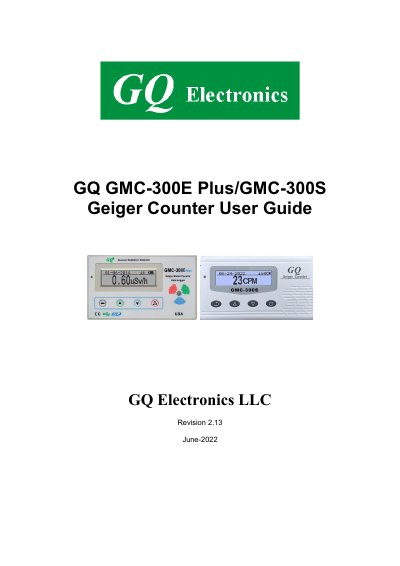
GQ GMC-300E Plus/GMC-300S Geiger Counter User Guide
The GQ GMC-300E Plus and GMC-300S are portable Geiger counters designed for radiation detection in industrial, commercial, and scientific environments. They feature built-in audible and visual alerts, automatic data logging, and USB connectivity for data transfer to a PC. The device includes a rechargeable Li-ion battery, real-time clock, and multiple display modes. It supports software for data viewing and analysis, including free demo versions and paid professional tools.
Setup involves charging the battery, setting date/time, configuring power-saving mode, and installing USB drivers. The unit has four function keys (S1–S4) for navigation and display control. Data can be saved, searched, and erased, with options for timed counts and alarm settings. The device logs radiation data internally and can be calibrated or reset as needed.
Covers: Overview · Specifications · Packing List · Hardware Setup · Software Setup · USB Driver Installation
Latest GQ Electronics LLC manuals
GQ GMC-300E Plus/GMC-300S Geiger Counter User Guide
User Manual 24 pages · 865 KB · ENUser guide for GQ Electronics LLC's portable Geiger counter with USB connectivity and data logging.
Which document do I need?
User Manual
Day-to-day operation, settings and troubleshooting. Start here if the product is already set up.
Questions answered in GQ Electronics LLC manuals
How do I set the date and time on the device?
Press the S4 key to enter the menu and set the date and time. This is important for timestamping data.
What is the battery status indicator?
The battery icon shows charge level. A fully charged battery is displayed with a solid color, not flashing.