
Key facts
- Manuals
- 1
- Languages
- ES
- Last added
- 2023-10-18
Featured SpiderPro manuals
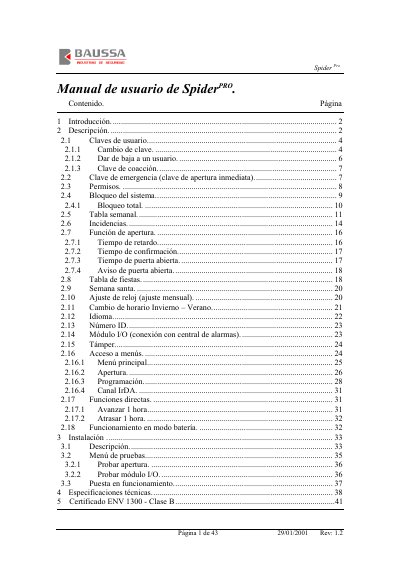
SpiderPro Access Control System User Manual
This document provides step-by-step instructions for operating and programming the SpiderPro access control system. It covers user management, emergency access, time settings, and integration with alarm systems. The system includes a lock unit, control console, and wiring for communication and power. It supports up to 10 users with customizable permissions and features like tamper detection and seismic sensors.
The manual details how to change user passwords, deactivate users, set emergency keys, adjust time settings, and configure alarm connections. It also explains how to handle system lockouts and battery operation. All functions are accessible via a membrane keyboard and LCD display, with optional IrDA programming support. This manual is written in Spanish.
Covers: Introduction · User Keys · Emergency Key · Permissions · System Lockout · Weekly Schedule
Latest SpiderPro manuals
SpiderPro Access Control System User Manual
User Manual 44 pages · 446 KB · ESUser manual for the SpiderPro electronic lock system with programming, user management, and security features.
Which document do I need?
User Manual
Day-to-day operation, settings and troubleshooting. Start here if the product is already set up.
Questions answered in SpiderPro manuals
How many users can be programmed?
Up to 10 users, identified from 0 to 9, with user 0 (MASTER) having the highest privileges.
What is the emergency key used for?
It allows access to the system when it is locked and the 'block total' option is disabled, or when the unit has been without power for more than 24 hours.