
Key facts
- Manuals
- 1
- Languages
- EN
- Last added
- 2023-10-18
Featured Calgary Police Services manuals
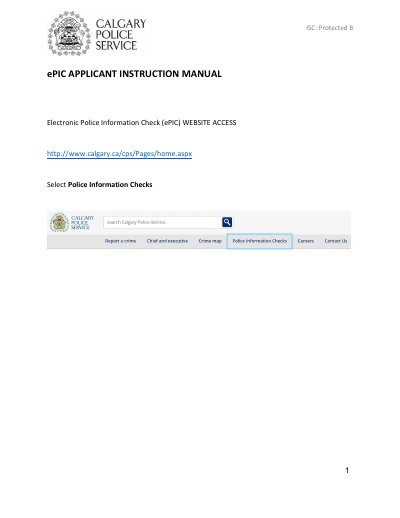
Calgary Police Services ePIC Applicant Instruction Manual
This document serves as an instruction manual for individuals applying for an Electronic Police Information Check (ePIC) through the Calgary Police Services website. It outlines the 15-step process required to complete the application, including how to start the check, manage agency information, and handle the submission of personal data and documents. The guide explains that the application can be saved for 14 days before automatic deletion if not submitted.
The manual details the distinction between registered ePIC agencies and non-registered agencies, specifying how results are delivered (electronically or by mail) and how they can be shared. It also covers the final steps of the process, such as viewing submitted applications, understanding the status of the check, and securely logging out of the system.
Covers: Website Access · Start an ePIC · Exit or Save Application · Questions & More Information · Leave Feedback · Checklist Page
Latest Calgary Police Services manuals
Calgary Police Services ePIC Applicant Instruction Manual
Other 34 pages · 1.8 MB · ENOfficial instructions for applicants to complete an Electronic Police Information Check (ePIC) via the Calgary Police Services website.
Questions answered in Calgary Police Services manuals
How long is an ePIC application saved?
The application may be saved for 14 days since the start of your submission and can be resumed at any time.
From: Calgary Police Services ePIC Applicant Instruction Manual
What happens if the application is not submitted within 14 days?
The application will automatically be deleted from the ePIC Online System including all personal information and uploaded documents.
From: Calgary Police Services ePIC Applicant Instruction Manual