
Key facts
- Manuals
- 1
- Languages
- EN
- Last added
- 2023-10-18
Featured ENVIRONMENT manuals
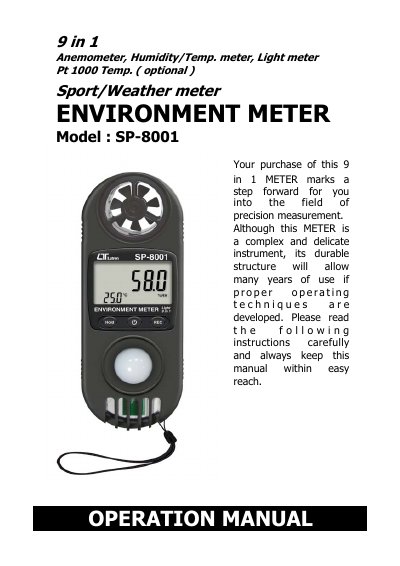
ENVIRONMENT SP-8001 9 in 1 Environment Meter User Manual
The ENVIRONMENT SP-8001 is a 9-in-1 environmental meter designed for measuring air velocity, temperature, humidity, light, and more. It features a compact, wristlet-equipped design for one-handed operation and includes optional Pt 1000 temperature probe support. The manual details setup, function selection, unit switching, and measurement protocols.
Key features include automatic display reversal for light measurements, hold and record functions, and auto power-off to conserve battery life. The device operates with a CR2032 battery and displays readings in multiple units including Celsius, Fahrenheit, Lux, and knots.
Covers: Features · Specifications · Front Panel Description · Measuring Procedures · Battery Replacement
Latest ENVIRONMENT manuals
ENVIRONMENT SP-8001 9 in 1 Environment Meter User Manual
User Manual 14 pages · 99 KB · ENUser manual for the ENVIRONMENT SP-8001 9-in-1 environmental meter, covering operation, specs, and measurement procedures.
Which document do I need?
User Manual
Day-to-day operation, settings and troubleshooting. Start here if the product is already set up.
Questions answered in ENVIRONMENT manuals
How do I turn the device on and off?
Press the Power button once to turn on. To turn off, press the Power button for more than 3 seconds while powered on.
From: ENVIRONMENT SP-8001 9 in 1 Environment Meter User Manual
How do I select measurement functions?
Press and hold the Hold button during power on to cycle through functions like Anemometer, Air Flow, Wind Chill, etc., then release to select.
From: ENVIRONMENT SP-8001 9 in 1 Environment Meter User Manual