
Key facts
- Manuals
- 1
- Languages
- EN
- Last added
- 2023-10-18
Featured OBD Solutions manuals
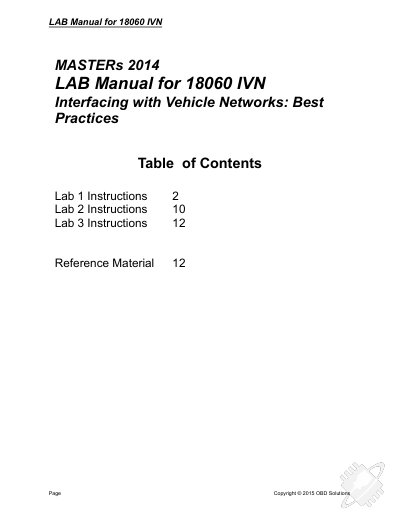
OBD Solutions 18060 IVN OBD Development Board and Simulator Lab Manual
This lab manual guides users through interfacing with vehicle networks using OBD development tools. It covers setting up the OBD Simulator and Development Board, requesting and interpreting OBD data like vehicle speed and RPM, and configuring sleep/wakeup triggers. The manual also includes steps for creating and configuring virtual ECUs for development and testing purposes.
Covers: Lab 1: Access OBD Data · Lab 2: Sleep/Wakeup · Lab 3: OBD Development and Testing · Reference Material
Latest OBD Solutions manuals
OBD Solutions 18060 IVN OBD Development Board and Simulator Lab Manual
User Manual 13 pages · 3.5 MB · ENLab manual for OBD Solutions 18060 IVN development board and simulator, covering OBD data access, sleep/wakeup mechanisms, and ECU configuration.
Which document do I need?
User Manual
Day-to-day operation, settings and troubleshooting. Start here if the product is already set up.
Questions answered in OBD Solutions manuals
What is the purpose of the OBD Simulator?
The OBD Simulator is designed to simulate the on-board diagnostic system of a vehicle.
From: OBD Solutions 18060 IVN OBD Development Board and Simulator Lab Manual
How should the TeraTerm terminal be configured for the OBD Simulator?
The terminal must be set up for 115200 kbps.
From: OBD Solutions 18060 IVN OBD Development Board and Simulator Lab Manual