
Key facts
- Manuals
- 1
- Languages
- EN
- Last added
- 2023-10-17
Featured Naxa Electronics manuals
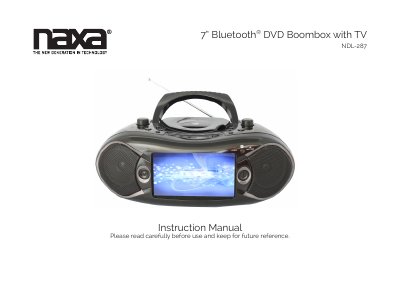
Naxa Electronics NDL-287 7" Bluetooth DVD Boombox Instruction Manual
This manual provides step-by-step instructions for using the Naxa Electronics NDL-287 7" Bluetooth DVD boombox with TV. It covers basic functions like turning the unit on and off, adjusting volume, and using the remote control. It also explains how to play DVDs, digital media, and TV content, as well as connecting via Bluetooth, AUX, USB, and SD card. Safety warnings and troubleshooting tips are included.
The manual includes detailed diagrams of the main unit and remote control, along with explanations of each button and switch. It also covers optional connections like AV output and antenna setup, and provides information on disc types and care. Support contact details and the Naxa website are listed for further assistance.
Covers: Thank You · In the Box · Before You Start · At a Glance · Basic Functions · DVD Mode
Latest Naxa Electronics manuals
Naxa Electronics NDL-287 7" Bluetooth DVD Boombox Instruction Manual
User Manual 46 pages · 3.5 MB · ENUser manual for the Naxa Electronics NDL-287 7" Bluetooth DVD boombox with TV, covering setup, operation, and troubleshooting.
Which document do I need?
User Manual
Day-to-day operation, settings and troubleshooting. Start here if the product is already set up.
Questions answered in Naxa Electronics manuals
How do I turn the unit on and off?
Set the POWER/FUNCTION switch to 'OFF' to turn the unit off. Turn the unit on by setting the switch to the desired mode.
From: Naxa Electronics NDL-287 7" Bluetooth DVD Boombox Instruction Manual
How do I connect a Bluetooth device?
In Bluetooth mode, press the PAIR button to attempt to pair with the most recently connected device.
From: Naxa Electronics NDL-287 7" Bluetooth DVD Boombox Instruction Manual