
Key facts
- Manuals
- 1
- Languages
- EN
- Last added
- 2023-10-16
Featured Regulator Systems manuals
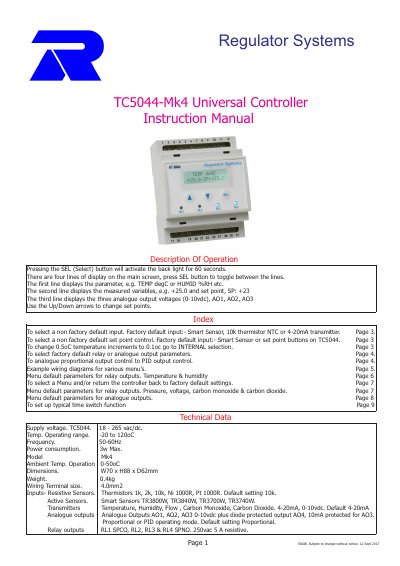
Regulator Systems TC5044-Mk4 Universal Controller Instruction Manual
The document serves as an instruction manual for the TC5044-Mk4 Universal Controller manufactured by Regulator Systems. It details how to operate the device's interface, including using the SEL button to toggle display lines and navigate menus. The controller supports various inputs such as Smart Sensors, thermistors (NTC/PTC), and transmitters (4-20mA, 0-10vdc) for monitoring temperature, humidity, pressure, and gas levels.
Covers: Description Of Operation · Getting started: Selecting the Menu · Inputs Configuration · Set point control settings · Menu default parameters · Analogue outputs setup
Latest Regulator Systems manuals
Regulator Systems TC5044-Mk4 Universal Controller Instruction Manual
User Manual 9 pages · 621 KB · ENThis manual provides operating instructions for the Regulator Systems TC5044-Mk4 universal controller, covering menu selection, input configuration, and…
Which document do I need?
User Manual
Day-to-day operation, settings and troubleshooting. Start here if the product is already set up.
Questions answered in Regulator Systems manuals
How do I activate the back light?
Pressing the SEL (Select) button will activate the back light for 60 seconds.
From: Regulator Systems TC5044-Mk4 Universal Controller Instruction Manual
What is the factory default temperature input?
The factory default input is a Smart Sensor, 10k thermistor NTC, or a 4-20mA transmitter.
From: Regulator Systems TC5044-Mk4 Universal Controller Instruction Manual