
Key facts
- Manuals
- 1
- Languages
- EN
- Last added
- 2026-10-28
Featured Applied Concepts manuals
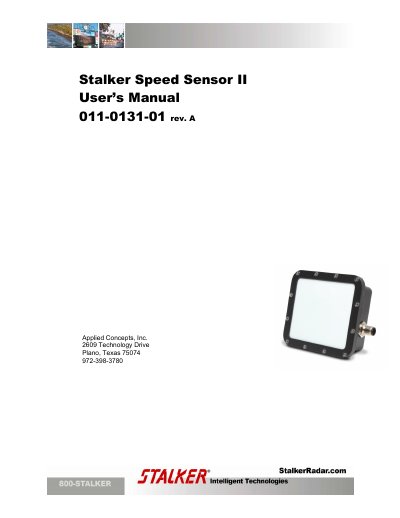
Applied Concepts Speed Sensor II User's Manual
The document serves as a user guide for the Applied Concepts Stalker Speed Sensor II. It details how to physically connect the sensor to a computer using RS-232 or RS-485 ports and explains the process of installing the necessary developer kit software.
Once connected, users can utilize the Stalker Dashboard application to poll the device for its ID and version. The manual covers configuring various parameters such as baud rates, units (MPH vs km/H), and saving settings to the sensor's internal memory. It also includes troubleshooting steps for communication failures.
Covers: Introduction · Connecting the Speed Sensor to the PC · PC Application · Polling for Speed Sensor ID · Troubleshooting Communication Issues · Configuring the Speed Sensor
Latest Applied Concepts manuals
Applied Concepts Speed Sensor II User's Manual
User Manual 26 pages · 2.3 MB · ENThis manual provides instructions for connecting the Stalker Speed Sensor II to a PC, configuring settings via software, and troubleshooting communication…
Which document do I need?
User Manual
Day-to-day operation, settings and troubleshooting. Start here if the product is already set up.
Questions answered in Applied Concepts manuals
What types of ports can be used to connect the sensor to a PC?
The sensors can be connected using either an RS-232 port or an RS-485 port.
What power supply is required for the DC power cable?
A 12V DC (nominal) power supply is required when using the DC power cable.