
Key facts
- Manuals
- 1
- Languages
- EN
- Last added
- 2023-10-16
Featured Krom Khensu manuals
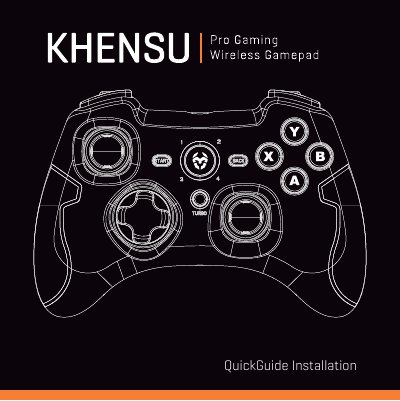
Krom Khensu Wireless Game Controller User Manual
This manual provides instructions for setting up the Krom Khensu wireless game controller. It details the installation process, including how to pair the receiver with a device via the MODE button. The guide explains how to switch between X-INPUT and D-INPUT modes and how to configure specific button functions like Turbo mode.
Covers: Features · Installation · Configuration Modes · Functions · Charging the Battery · Warranty
Latest Krom Khensu manuals
Krom Khensu Wireless Game Controller User Manual
User Manual 13 pages · 1.8 MB · ENUser manual for the Krom Khensu wireless game controller, covering installation, configuration modes, button functions, and battery charging instructions.
Which document do I need?
User Manual
Day-to-day operation, settings and troubleshooting. Start here if the product is already set up.
Questions answered in Krom Khensu manuals
How do I switch between X-INPUT and D-INPUT modes?
The default is X-INPUT. To switch to D-INPUT, hold the MODE button for 5 seconds until the LED under the TURBO button turns on.
How do I set up Turbo mode?
Hold down the button you want to set, then press the TURBO key once. To clear it, hold the key and press TURBO again.