
Key facts
- Manuals
- 1
- Languages
- EN
- Last added
- 2023-10-15
Featured Vilo Living manuals
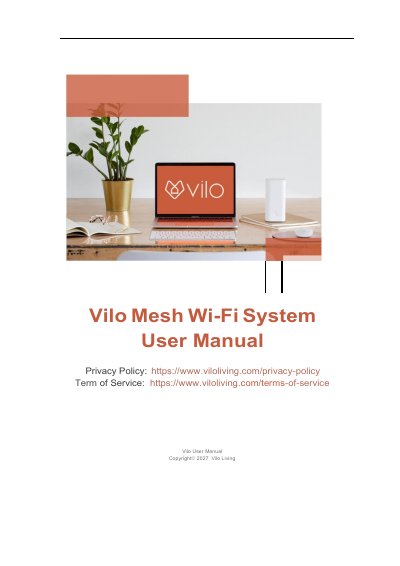
Vilo Living Vilo Mesh Wi-Fi System User Manual
This document provides instructions for setting up and managing the Vilo Living Vilo Mesh Wi-Fi System. It covers initial setup steps for both single and multi-unit packages, including connecting to modems via Ethernet cables and configuring networks through the companion smartphone app.
The manual details how to change network settings, manage connected devices, set up guest networks, configure parental controls with website blocking and scheduling, and perform maintenance tasks like firmware upgrades and factory resets. It also explains the differences between Vilo 5 (Wi-Fi 5) and Vilo 6 (Wi-Fi 6) models.
Covers: Setting Up Your Vilos · Before You Begin · Setting Up Your Main Vilo · Adding Sub-Vilos · Changing Network Settings · Managing Devices on a Vilo Network
Latest Vilo Living manuals
Vilo Living Vilo Mesh Wi-Fi System User Manual
User Manual 46 pages · 1.2 MB · ENOfficial user manual for the Vilo Living Vilo Mesh Wi-Fi System, covering setup, network configuration, parental controls, and device management.
Which document do I need?
User Manual
Day-to-day operation, settings and troubleshooting. Start here if the product is already set up.
Questions answered in Vilo Living manuals
Can I use Vilo and Vilo 6 routers interchangeably?
No, you cannot use Vilo (Wi-Fi 5) and Vilo 6 (Wi-Fi 6) routers interchangeably.
What is the indicator light color for a connected Vilo network?
The indicator light will be solid blue when a Vilo network is installed.