
Key facts
- Manuals
- 1
- Languages
- EN
- Last added
- 2023-10-15
Featured Power Genius manuals
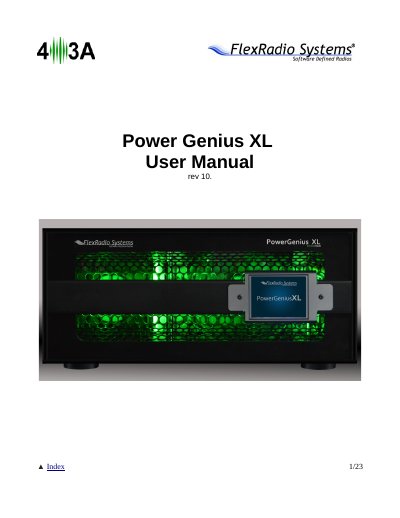
Power Genius XL Amplifier User Manual
The Power Genius XL is a radio frequency amplifier designed for amateur radio use. This user manual provides instructions on unpacking the unit and identifying the front and back panels, including details on connectors such as RF inputs/outputs, PTT, CAT, and BCD interfaces.
The guide explains how to operate the device using the STBY/OPER button and interpreting the RGB LED backlight states (Yellow for Standby, Green for Operate, Red for Transmit). It also covers specific connection procedures for radios from Yaesu and Elecraft, as well as safety warnings regarding RF energy, ventilation requirements, and alarm conditions like High SWR or Fan failure.
Covers: Important notice · Unpacking · Front Panel · Back Panel · BCD/PTP connector pinout · Using with Radios
Latest Power Genius manuals
Power Genius XL Amplifier User Manual
User Manual 23 pages · 2.2 MB · ENThis manual covers the unpacking, panel description, connection to radios like Yaesu and Elecraft, operation modes, and alarm handling for the Power Genius…
Which document do I need?
User Manual
Day-to-day operation, settings and troubleshooting. Start here if the product is already set up.
Questions answered in Power Genius manuals
What does the RGB LED backlight indicate?
The RGB LED backlight shows operation states: Yellow for Stand By mode, Green for Operate mode, Red for Transmitting, and Magenta for Firmware Upgrade mode.
How do I connect the amplifier to a Yaesu radio?
Connect using the CAT (RS232) port on the amplifier with a straight female to female DB9 cable.