
Key facts
- Manuals
- 4
- Languages
- EN
- Last added
- 2023-10-19
Featured Tyler Technologies manuals
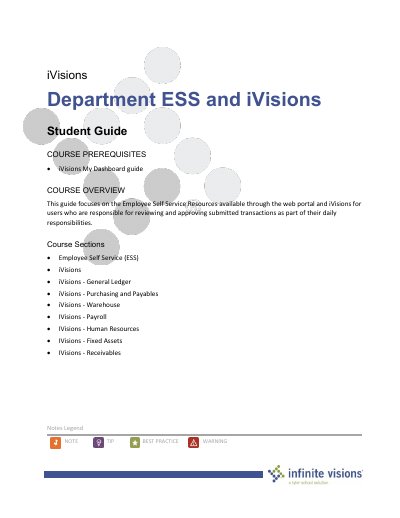
Tyler Technologies Infinite Visions ESS and iVisions Student Guide
This guide explains how to use Employee Self Service (ESS) and iVisions features within the Infinite Visions Enterprise Edition Accounting software. It covers user profiles, emergency contacts, leave requests, payroll, tax information, expense reimbursements, and workflow navigation. The guide is designed for users responsible for reviewing and approving transactions.
The document includes sections on profile management, activity submission, document handling, benefit information, and smart card and chart navigation. It is structured with a table of contents and includes optional and required activities for users to complete.
Covers: Employee Self Service (ESS) · iVisions - General Ledger · iVisions - Purchasing and Payables · iVisions - Warehouse · iVisions - Payroll · iVisions - Human Resources
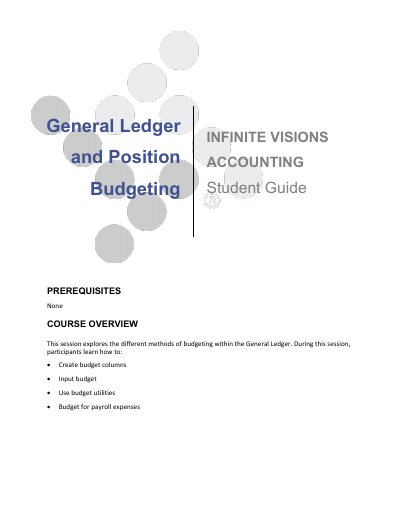
Tyler Technologies Infinite Visions Accounting 2018.1 Student Guide
This guide teaches users how to configure budget columns and control groups, input budget data, and use budget utilities within the Infinite Visions Accounting 2018.1 system. It covers topics such as budget configuration, budget input definitions, posting to budget journals, and position budgeting for payroll expenses. The guide includes step-by-step activities and reports for practical application.
Covers: General Ledger and Position Budgeting · Budget Configuration · Budget Input Definition · Input a Budget · Post to a Budget Journal · Budget Utilities
Tyler Technologies Odyssey File & Serve User Guide
The Odyssey File & Serve system is a highly automated, scalable electronic filing (e-filing) solution that allows registered users to file documents with the court 24 hours a day, seven days a week. This guide details the system overview, including preparation steps such as converting documents to PDF and compiling them into a working directory before submission.
The manual provides comprehensive instructions for navigating the system, managing user accounts, and performing core tasks like case initiation, filing, and serving. It covers specific workflows such as registering as a new firm or independent user, resetting passwords, creating and editing templates, and managing service contacts within a case.
Covers: System Overview · System Requirements · File & Serve Registration · Login and Logout · Case Initiation · Case Search
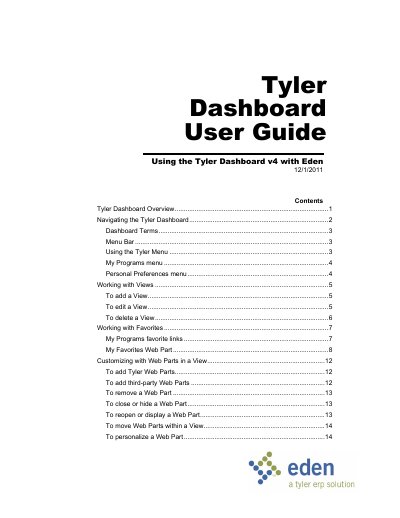
Tyler Dashboard v4 User Guide
This document is the user guide for Tyler Dashboard v4, a web-based program designed to work with the Eden system and other applications. It serves as a single launching point to share information, view critical processing data, and access daily work tasks via a web browser. The dashboard is built on Microsoft SharePoint Services 3.0 and allows users to customize their workspace using multiple Views and Web Parts.
Covers: Tyler Dashboard Overview · Navigating the Tyler Dashboard · Dashboard Terms · Using the Tyler Menu · My Programs menu · Personal Preferences menu
Latest Tyler Technologies manuals
Tyler Technologies Infinite Visions ESS and iVisions Student Guide
User Manual 91 pages · 869 KB · ENUser guide for Employee Self Service and iVisions modules in Infinite Visions Enterprise Edition Accounting software.
Tyler Technologies Infinite Visions Accounting 2018.1 Student Guide
User Manual 44 pages · 452 KB · ENLearn to create budget columns, input budgets, and use budget utilities in Infinite Visions Accounting 2018.1.
Tyler Technologies Odyssey File & Serve User Guide
User Manual 89 pages · 6.1 MB · ENThis user guide covers the installation, registration, and operation of the Odyssey File & Serve e-filing system for legal professionals.
Tyler Dashboard v4 User Guide
User Manual 21 pages · 527 KB · ENUser guide for Tyler Dashboard v4, covering navigation, views, favorites, and Web Part customization for use with the Eden system.
Which document do I need?
User Manual
Day-to-day operation, settings and troubleshooting. Start here if the product is already set up.
Questions answered in Tyler Technologies manuals
Who is this guide intended for?
This guide is for users responsible for reviewing and approving submitted transactions as part of their daily responsibilities.
From: Tyler Technologies Infinite Visions ESS and iVisions Student Guide
What software version does this document apply to?
This document applies to Infinite Visions Enterprise Edition Accounting version 2018.4 software.
From: Tyler Technologies Infinite Visions ESS and iVisions Student Guide
What is the main purpose of this guide?
It explores different methods of budgeting within the General Ledger.
From: Tyler Technologies Infinite Visions Accounting 2018.1 Student Guide
What budget column was created in the example scenario?
A budget column named 'Next Year Proposed 4.00%'.
From: Tyler Technologies Infinite Visions Accounting 2018.1 Student Guide
What document format is allowed for e-filing?
PDF is the only format allowed for attaching documents when using the system.
From: Tyler Technologies Odyssey File & Serve User Guide
How can I reset my password?
To reset your password, you must provide your username and answer the security question associated with your account.
From: Tyler Technologies Odyssey File & Serve User Guide