
Key facts
- Manuals
- 1
- Languages
- EN
- Last added
- 2026-10-17
Featured BROEN-LAB manuals
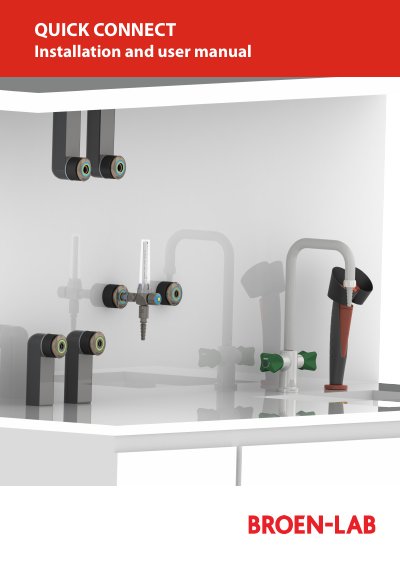
BROEN-LAB Quick Connect Basic Installation and User Manual
The BROEN-LAB Quick Connect Basic is a flexible and innovative laboratory solution based on a plug-and-play concept. It is designed to be easy to install and adaptable for changes, allowing for several labs in one space while maintaining 100% safety. The system supports various mounting configurations including panel-mounted, built-in, bench-mounted, and pipe-mounted options.
The guide details the installation steps for different mounting types, specifying required tools, materials, and assembly procedures. It also covers changing media types, purity levels (2.0, 4.0, 5.0), and provides a troubleshooting guide for common issues such as leaks. The document includes specifications for temperature range, working pressure, and compatible materials.
Covers: Introduction · Panel Mounted · Built-in Mounted · Bench Mounted · Exposed Pipe Mounted · Concealed Pipe Mounted
Latest BROEN-LAB manuals
BROEN-LAB Quick Connect Basic Installation and User Manual
Installation Guide 28 pages · 8.7 MB · ENThis manual provides installation instructions and safety information for the BROEN-LAB Quick Connect Basic flexible laboratory solution.
Which document do I need?
Installation Guide
Mounting, wiring and first power-up. Read it before the hardware goes in.
Questions answered in BROEN-LAB manuals
What is the maximum working pressure for the Quick Connect Basic?
The maximum working pressure is 16 bar or 232 psi.
From: BROEN-LAB Quick Connect Basic Installation and User Manual
What tools are needed for panel mounting?
A wrench key is required for panel mounting.
From: BROEN-LAB Quick Connect Basic Installation and User Manual