
Key facts
- Manuals
- 1
- Languages
- ZH
- Last added
- 2026-10-17
Featured Macro-Video manuals
Macro-Video MV38350891 WiFi Smart All-in-One Unit User Manual
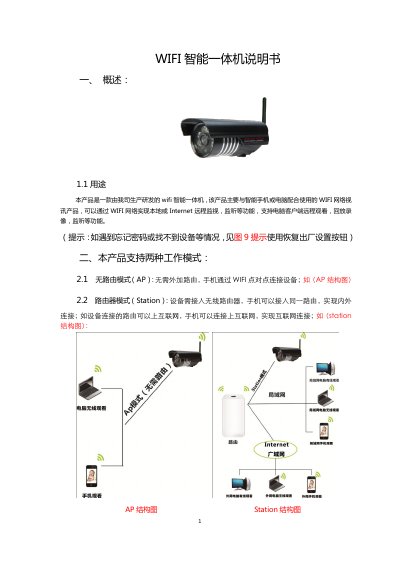
The Macro-Video MV38350891 is a WiFi smart all-in-one unit designed to work with smartphones or computers. It enables local or Internet remote monitoring and listening through a WiFi network. The device supports two working modes: AP mode, which allows direct WiFi point-to-point connection without an external router, and Station mode, which requires connection to an external wireless router to access the Internet. This manual is written in Chinese.
Covers: Overview · Working Modes (AP and Station) · Smartphone Client Configuration · Computer Client Usage · Web Version Usage · Factory Reset and SD Card Installation
Latest Macro-Video manuals
Macro-Video MV38350891 WiFi Smart All-in-One Unit User Manual
User Manual 6 pages · 1 MB · ZHThis manual provides instructions for configuring and using the Macro-Video MV38350891 WiFi smart all-in-one unit for remote monitoring and listening via…
Which document do I need?
User Manual
Day-to-day operation, settings and troubleshooting. Start here if the product is already set up.
Questions answered in Macro-Video manuals
What is the default username and password for the device?
The default username is 'admin' and the default password is empty.
From: Macro-Video MV38350891 WiFi Smart All-in-One Unit User Manual
How can I switch the device from AP mode to Station mode?
Connect the power, click the 'Configuration' button, select 'Network Settings', choose 'Station Settings', select your WiFi, enter credentials, and click 'Save'.
From: Macro-Video MV38350891 WiFi Smart All-in-One Unit User Manual