
Key facts
- Manuals
- 1
- Languages
- ZH
- Last added
- 2026-10-17
Featured Future Partner Robotics manuals
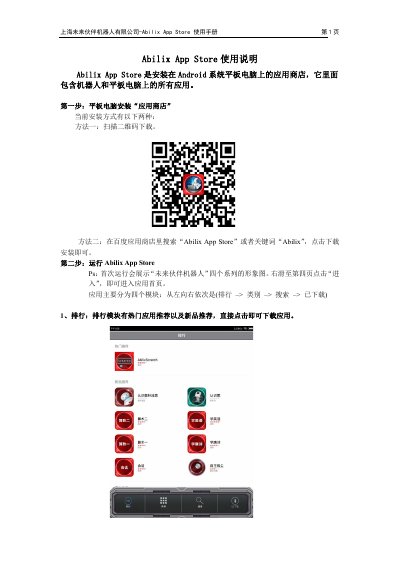
Future Partner Robotics Abilix App Store User Manual
The Abilix App Store is an application store installed on Android system tablets that contains all applications for both robots and tablets. It provides functions for downloading, installing, categorizing, searching, and managing downloaded applications. The manual details how to install the store on a tablet and how to transfer applications to robots via QR code scanning. This manual is written in Chinese.
Covers: Installation Methods · Application Modules · Search Function · Downloaded Apps · Installing to Tablet · Installing to Robot
Latest Future Partner Robotics manuals
Future Partner Robotics Abilix App Store User Manual
User Manual 5 pages · 351 KB · ZHThis manual explains how to install and use the Abilix App Store on Android tablets to download and manage applications for Future Partner Robotics robots…
Which document do I need?
User Manual
Day-to-day operation, settings and troubleshooting. Start here if the product is already set up.
Questions answered in Future Partner Robotics manuals
How can I install the Abilix App Store on a tablet?
You can install it by scanning a QR code or by searching for 'Abilix App Store' or the keyword 'Abilix' in the Baidu App Store and clicking to download and install.
Can I delete applications installed on the robot?
Yes, go to 'Settings' > 'About Robot', turn off Parental Mode, return to the app interface, long press the screen for two seconds, and click 'Confirm' to delete.