
Key facts
- Manuals
- 1
- Languages
- EN
- Last added
- 2026-10-13
Featured Nie-Tech manuals
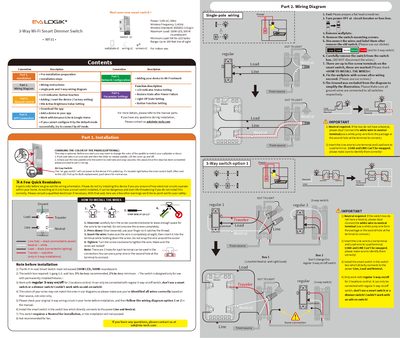
Nie-Tech WF31 3-Way Wi-Fi Smart Dimmer Switch User Manual
This manual provides instructions for installing the Nie-Tech WF31 3-Way Wi-Fi Smart Dimmer Switch. It details safety precautions, pre-installation requirements such as neutral wire necessity, and step-by-step wiring procedures for both single-pole and 3-way configurations. The document includes specific diagrams to ensure correct connection of Line, Load, Neutral, and Traveler wires.
Covers: Installation · Wiring Diagrams · Manual Control · Network Configuration · APP Connection · Parameter Settings
Latest Nie-Tech manuals
Nie-Tech WF31 3-Way Wi-Fi Smart Dimmer Switch User Manual
User Manual 2 pages · 649 KB · ENInstallation and configuration guide for the Nie-Tech WF31 smart dimmer switch, covering wiring diagrams, app setup, and parameter settings.
Which document do I need?
User Manual
Day-to-day operation, settings and troubleshooting. Start here if the product is already set up.
Questions answered in Nie-Tech manuals
What is the maximum power rating for LED and incandescent bulbs?
The switch supports a maximum load of 150W for LED bulbs and 500W for incandescent bulbs.
From: Nie-Tech WF31 3-Way Wi-Fi Smart Dimmer Switch User Manual
What is the minimum load requirement for LED bulbs?
The device requires a minimum load of 5W when used with LED bulbs.
From: Nie-Tech WF31 3-Way Wi-Fi Smart Dimmer Switch User Manual