
Key facts
- Manuals
- 1
- Languages
- EN
- Last added
- 2026-10-13
Featured 32B manuals
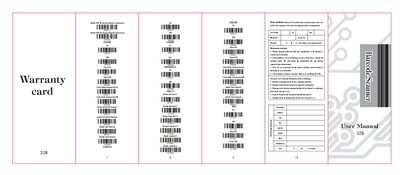
32B Barcode Scanner User Manual
The 32B Barcode Scanner provides an accurate, easy, and fast solution for data entry and storage in computer information systems. It features both manual and auto-sensor working modes and operates normally after installing the device driver for a USB interface.
All operating parameters can be programmed by scanning setting barcodes and stored in EEPROM to retain settings after power off. The scanner supports integrated interfaces including Keyboard, RS-232, USB HID, and VCOM.
Covers: Introduction · Warranty Principles · Configuration Menu · Transmission Mode · Reading Mode · Keyboard Languages
Latest 32B manuals
32B Barcode Scanner User Manual
User Manual 2 pages · 1.4 MB · ENThis user manual covers the operation, configuration, and maintenance of the 32B Barcode Scanner, including settings for various barcode types and…
Which document do I need?
User Manual
Day-to-day operation, settings and troubleshooting. Start here if the product is already set up.
Questions answered in 32B manuals
What working modes does the 32B Barcode Scanner offer?
The product has manual and auto-sensor two working modes.
How long is the warranty period for the scanner?
The warranty of the scanner is one year, which does not include the cable.