
Key facts
- Manuals
- 1
- Languages
- ZH
- Last added
- 2026-10-13
Featured Aotun manuals
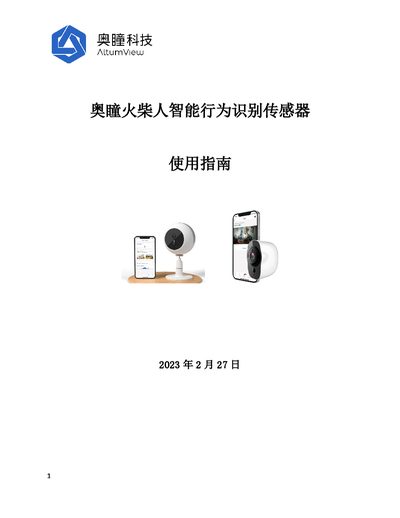
Aotun Matchstick Man Intelligent Behavior Recognition Sensor User Guide
The document serves as a comprehensive user manual for the Aotun Matchstick Man intelligent behavior recognition sensor. It details the quick start process, including installing the iOS or Android application, creating an account, adding the sensor to WiFi, and calibrating the device floor.
Key operational features covered include managing users and rooms, configuring alarm settings such as fall detection and waving alarms, conducting fall risk assessments using gait analysis, and utilizing the dashboard for visitor records. The guide also explains how to manage false alarms, set up night vision, control LED lights, and integrate with third-party APIs. This manual is written in Chinese.
Covers: Quick Start Guide · User Management · Room Management · Device Management · Personnel Management · Alarm Configuration
Latest Aotun manuals
Aotun Matchstick Man Intelligent Behavior Recognition Sensor User Guide
User Manual 100 pages · 8 MB · ZHThis user guide covers installation, configuration via iOS/Android apps, sensor calibration, alarm management (falls, waving), fall risk assessment, and API…
Which document do I need?
User Manual
Day-to-day operation, settings and troubleshooting. Start here if the product is already set up.
Questions answered in Aotun manuals
How does the waving alarm trigger logic work in newer versions?
By default, anyone can trigger a waving alarm, but users can customize which group triggers it.
From: Aotun Matchstick Man Intelligent Behavior Recognition Sensor User Guide
Can the sensor record video locally?
Yes, the Matchstick Man sensor supports local video recording functionality.
From: Aotun Matchstick Man Intelligent Behavior Recognition Sensor User Guide