
Key facts
- Manuals
- 1
- Languages
- ZH
- Last added
- 2026-10-08
Featured Lingyan manuals
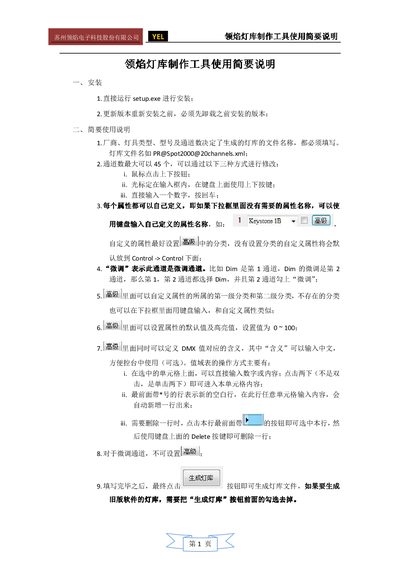
Lingyan YEL Lighting Library Creation Tool Quick Start Guide
The guide starts with installation instructions: run **setup.exe** to install the software, and uninstall any previous version before reinstalling an updated release.
It then covers basic usage, including setting the manufacturer, fixture type, model and channel count (up to 45 channels), defining custom attributes, configuring micro‑adjust channels, setting default and highlight values (0‑100), and importing existing XML or Pearl (R20/PER) lighting libraries for conversion and editing. This manual is written in Chinese.
Covers: Installation · Brief Usage Instructions · Import Function
Latest Lingyan manuals
Lingyan YEL Lighting Library Creation Tool Quick Start Guide
Quick Start Guide 2 pages · 98 KB · ZHThis quick start guide explains how to install and use the Lingyan YEL lighting library creation tool.
Which document do I need?
Quick Start Guide
The shortest path to a working setup, usually only a few pages.
Questions answered in Lingyan manuals
What is the maximum number of channels I can configure?
The tool supports up to 45 channels, which can be changed using the up/down buttons, keyboard arrows, or by typing a number and pressing Enter.
From: Lingyan YEL Lighting Library Creation Tool Quick Start Guide