
Key facts
- Manuals
- 1
- Languages
- ZH
- Last added
- 2026-10-06
Featured 基因有限公司 manuals
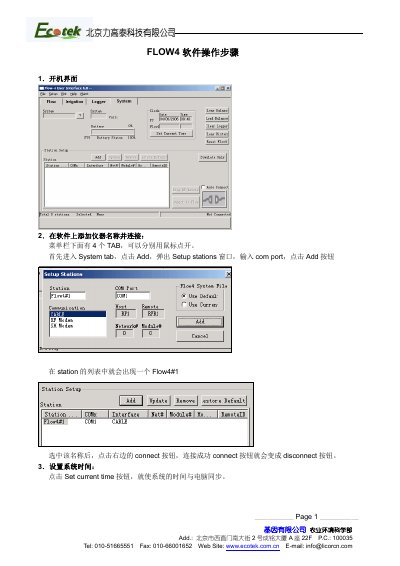
Jiyin Co., Ltd. FLOW4 Software Operation Manual
This manual describes how to start the FLOW4 software, add an instrument name, and connect to the device via the System tab. It covers setting the system time, choosing metric units, configuring the number of gauges, and adjusting gauge voltage.
Further sections explain sensor configuration (type, stem area, Kst, Ksh, heater resistance), data download procedures, CSV file format details, and important usage precautions. This manual is written in Chinese.
Covers: Startup Interface · Add Instrument and Connect · Set System Time · System Settings · Sensor Settings · Data Download
Latest 基因有限公司 manuals
Jiyin Co., Ltd. FLOW4 Software Operation Manual
User Manual 6 pages · 244 KB · ZHThe FLOW4 software operation manual from Jiyin Co., Ltd. explains startup, instrument connection, system and sensor settings, data download and file format.
Which document do I need?
User Manual
Day-to-day operation, settings and troubleshooting. Start here if the product is already set up.
Questions answered in 基因有限公司 manuals
How do I set the system time in the FLOW4 software?
Click the "Set current time" button; the system time will synchronize with the computer.
What format are the exported data files?
Data files are saved as CSV files, which can be opened directly in Excel.