
Key facts
- Manuals
- 1
- Languages
- EN
- Last added
- 2023-11-29
Featured xtorm manuals
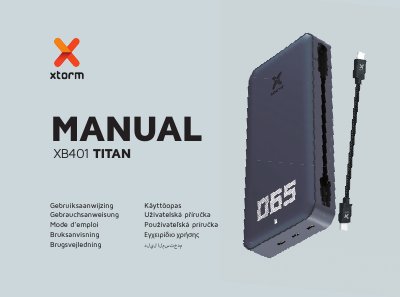
Xtorm XB401 Titan Power Bank User Manual
This is the multilingual user manual for the Xtorm XB401 Titan Power Bank, a 24.000 mAh / 88.8Wh Li-ion power bank with one USB-C PD 60W output, two USB-C PD 30W outputs and a built-in USB-C PD 60W cable. The English section covers the specifications, a product overview with numbered parts, and the contents of the box.
The manual explains how to charge a device from the power bank, how to recharge the power bank itself using the built-in cable and a 60W USB-C PD wall charger, and how the LED power indicator shows remaining battery percentage, charging status and a low-battery warning. Later pages repeat the instructions in other languages and give safety warnings.
Covers: Specifications · Product Overview · Charging Your Device · Recharging the Power Bank · LED Power Indicator · In the Box
Latest xtorm manuals
Xtorm XB401 Titan Power Bank User Manual
User Manual 70 pages · 1.5 MB · ENXtorm XB401 Titan Power Bank user manual: 24.000 mAh capacity, USB-C PD outputs up to 60W, charging and recharging steps, and LED battery indicator.
Which document do I need?
User Manual
Day-to-day operation, settings and troubleshooting. Start here if the product is already set up.
Questions answered in xtorm manuals
How do I check the remaining battery level?
Press the Power Button once and the LED display shows the remaining battery percentage between 0% and 100%.
How long does it take to recharge the power bank?
With a 60W USB-C PD charger the power bank is fully recharged within 2-3 hours.