
Key facts
- Manuals
- 1
- Languages
- EN
- Last added
- 2023-11-01
Featured Winnes manuals
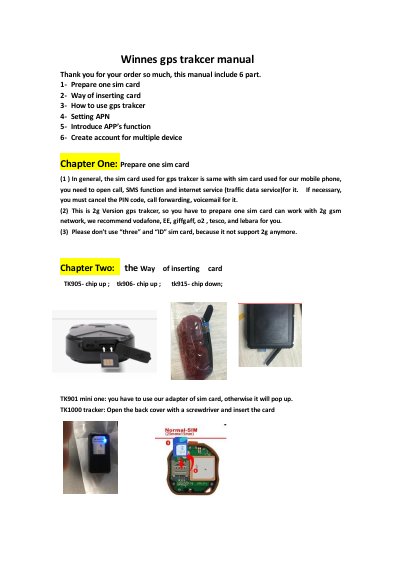
Winnes TK905, TK906, TK915, TK901 Mini One and TK1000 GPS Tracker User Manual
This manual covers Winnes GPS trackers, including the TK905, TK906, TK915, TK901 Mini One and TK1000 models. It explains how to prepare and insert a 2G SIM card, locate the device by SMS/phone or app/website, and set APN values for supported providers.
It also introduces the winnes gps app, including real-time tracking, 180-day history route playback, geofence setup, alarms, device naming and password changes, and how to request an account for multiple devices.
Covers: Prepare one SIM card · Way of inserting card · How to use GPS tracker · Setting APN · Introduce APP's function · Create account for multiple device
Latest Winnes manuals
Winnes TK905, TK906, TK915, TK901 Mini One and TK1000 GPS Tracker User Manual
User Manual 7 pages · 917 KB · ENWinnes GPS tracker manual covering SIM card setup, SMS and app positioning, APN settings, app functions, and multi-device account creation.
Which document do I need?
User Manual
Day-to-day operation, settings and troubleshooting. Start here if the product is already set up.
Questions answered in Winnes manuals
How can I get the tracker's location by SMS?
Call the tracker's phone number or text the command g123456# to it; after it hangs up, you receive a location message with a Google Maps link.
From: Winnes TK905, TK906, TK915, TK901 Mini One and TK1000 GPS Tracker User Manual
What SIM card does the tracker need?
A 2G GSM SIM card with call, SMS and internet data enabled; the manual recommends several providers and says not to use Three or ID.
From: Winnes TK905, TK906, TK915, TK901 Mini One and TK1000 GPS Tracker User Manual